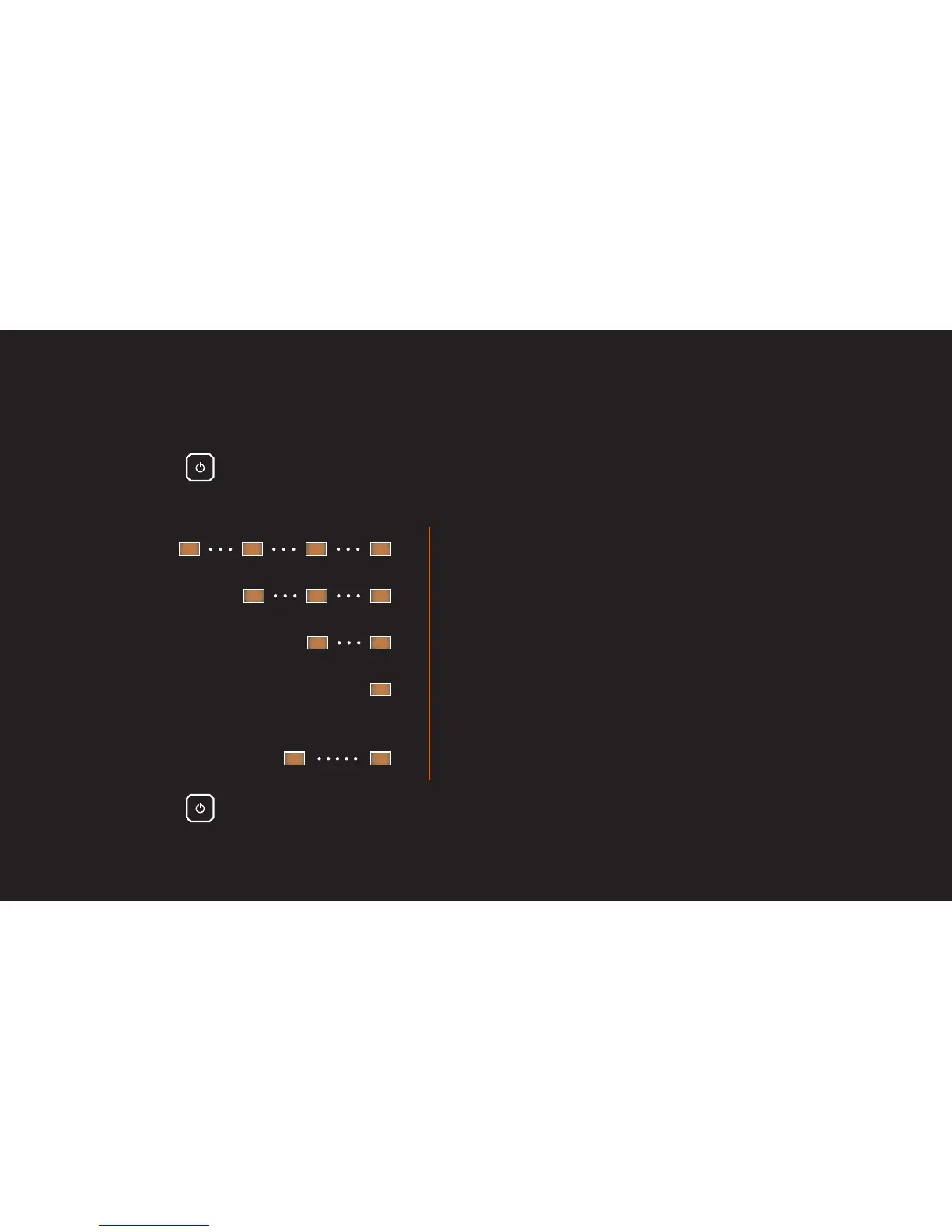
TURNING ON/OFF THE REMIX SPEAKER – BATTERY STATUS
When turning on the Remix speaker, the orange LED indicates the battery level.
1. Press the button to turn on the Remix speaker. Power on tone plays and the orange
LED flashes a number of times based on the battery level:
• Battery 100-81%: orange LED flashes 4 times
• Battery 80-61%: orange LED flashes 3 times
• Battery 60-41%: orange LED flashes twice
• Battery <40%: orange LED flashes once
• Low battery: orange LED flashes twice
in 30 seconds while operating
2. Press the button to turn off the Remix speaker. Power off tone plays and all LEDs
turn off
1s
30s
1s 1s
1s 1s 1s



 To Next Page