verza manual v1.0 14
Setting Other Functions
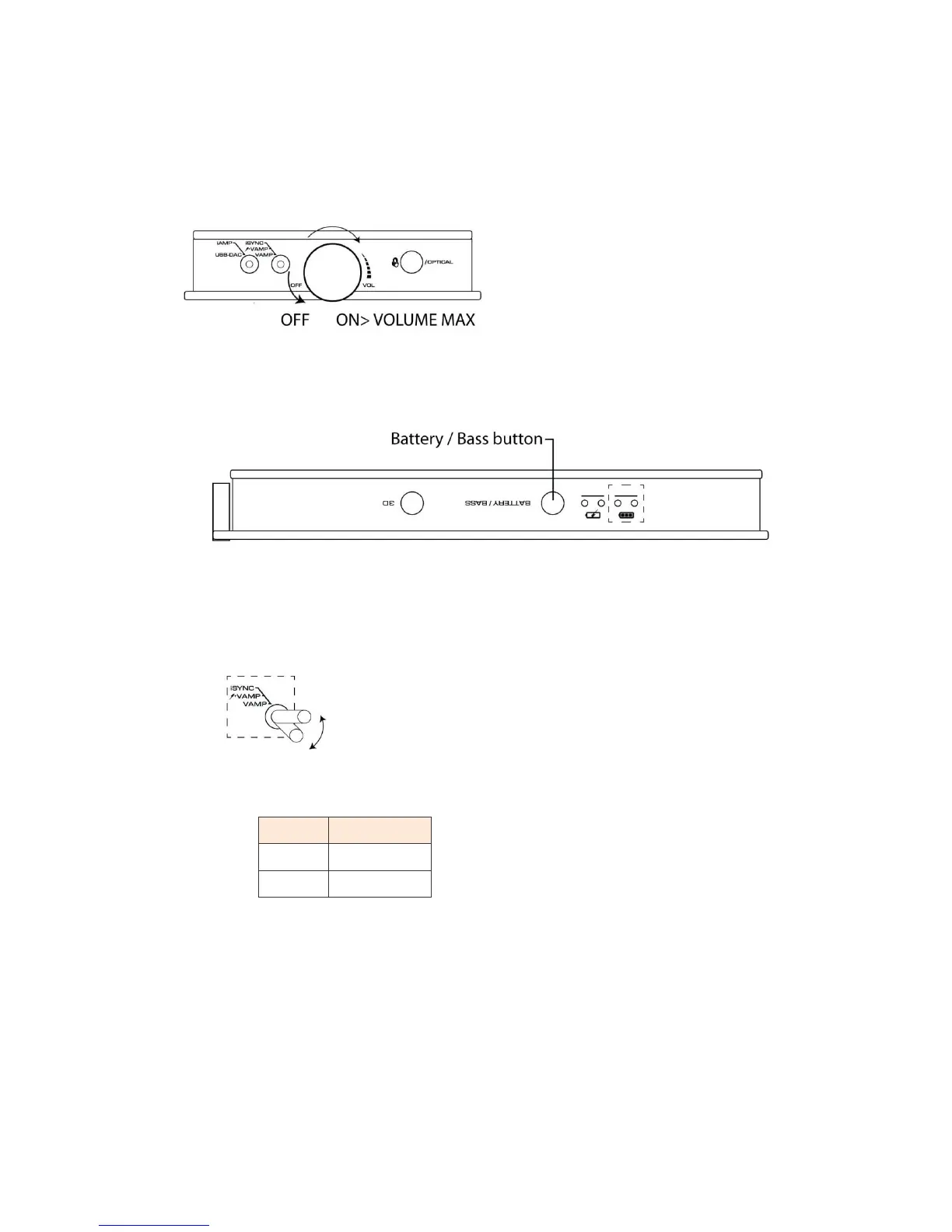
Setting Volume
Adjust the power switch volume knob.
Setting Bass Boost
Use Bass boost for enhancement in bass. Perform the following procedures.
1 Press and hold the BATTERY / BASS button.
2 The LED on the toggle switch (2) in the front panel starts blinking.
3 Move the toggle switch (2) back and forth between AMP and Ϟ +VAMP positions once.
4 The setting is completed when the LED on the toggle switch turns to either red or green and stays lit.
* In factory setting red LED lights and blinks (bass boost off ).
* To cancel the setting, press the BATTERY / BASS button again (The LED becomes lighting from
blinking).


 To Next Page