8
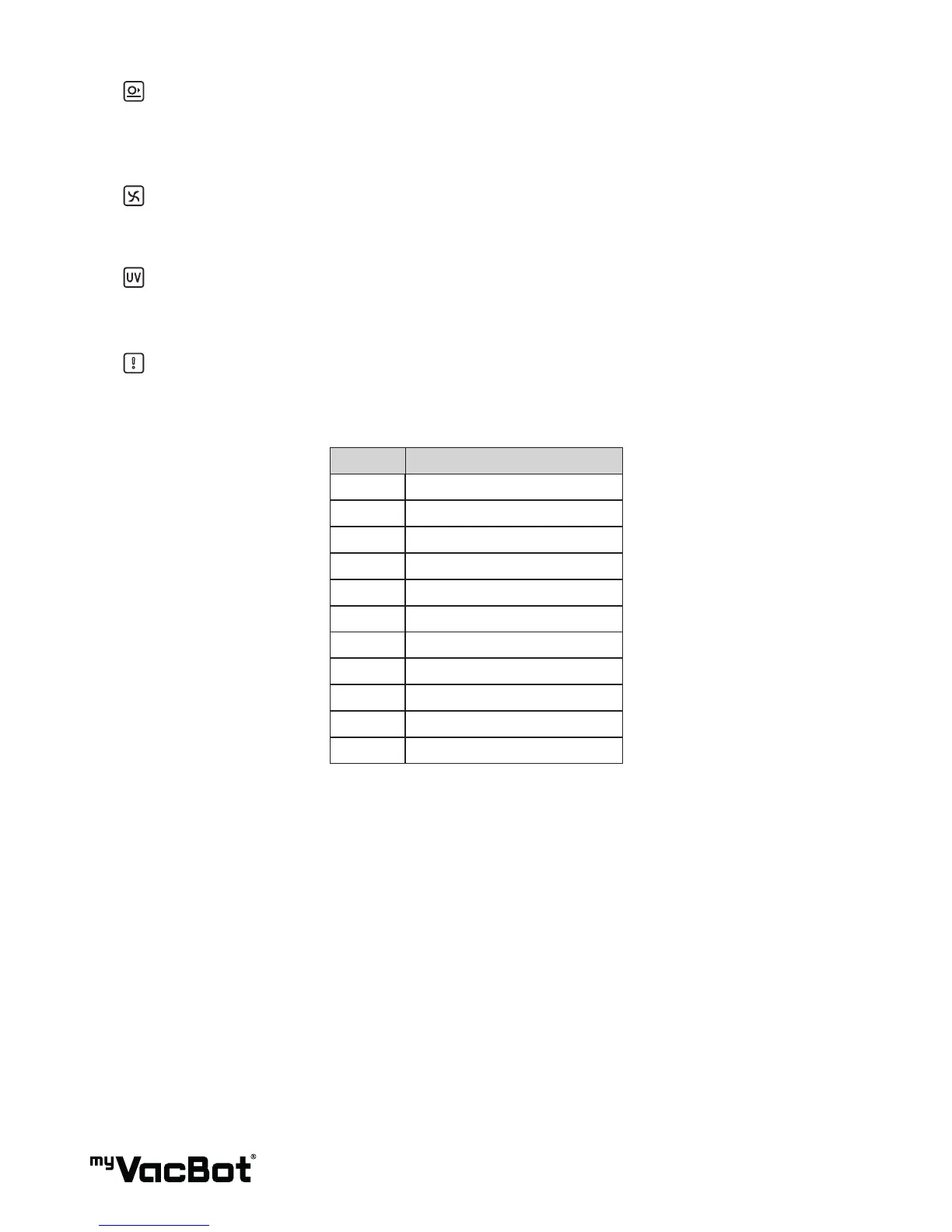
Soft-touched:
If the blue symbol light-off, the myVacBot B100 will avoid collision. You can push „collided“button
of remote-control, to ON- OFF the function. When „Non-collided“ ON, the bumper sensor will help
myVacBot B100 cleaning.
Suction Fan:
The blue symbol light-up, the Suction-fan is activated. You can push „Fan“ button of remote control, to
ON-OFF it.
UV Light:
The blue symbol light-up, the UV-Light is activated. You can push „UV“ button of remote control, to ON-
OFF it. (When myVacBot B100 start working, the UV Light is followed your last time setting)
Error : If myVacBot B100 got error, the Red symbol will be light-up.
TIP : Same time,you can see what kind error message „E1 ~ E11“ on „Timer“ display.
Number Message
E1 Front drop sensor over time
E2 Cleaner lift up
E3 Bumper touch over time
E4 Dust bin was not set up
E5 Left wheel is overload
E6 Right wheel is overload
E7 Side brush iv overload
E8 Rolling brush is overload
E9 Vacuum motor is overload
E10 Charging error
E11 Battery over heating


 To Next Page