How to Use
How to Use the Control Panel
1. Open machine, press set button:
T1 - Prepress
T2 - Seal Time
T3 - Cool Down Time
2. Set
3. Machine will give you all 3 settings and mark as "Ready"
For initial testing, the time settings should be:
Sealing Time - T1 - 0.5 seconds
T2 - 1.6 seconds
Cooling Time - T3 - 4 seconds
ARY, Inc. | 11880 College Blvd Suite 550 Overland Park, KS 66210 | www.VacMasterFresh.com | 800-821-7849
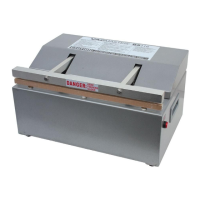
BS116 Impulse Bag Sealer | User Guide
5
Note: We inspect each machine to ensure the seal and cooling times are
set to the optimal time. Your BS116 should be ready to use out of the box.


 To Next Page