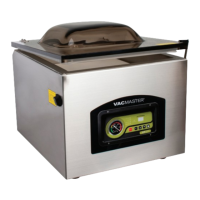
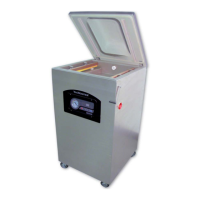
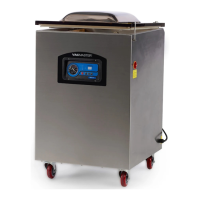
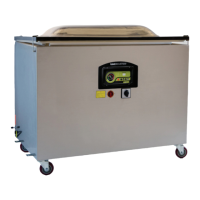
Machine Setup
▪ Read all instructions before operating Pro90.
▪ Plug Pro90 into grounded electrical outlet.
▪ Pro90 automatically comes on when plugged in, indicator light will turn green.
▪ Pro90 is now ready for use.
Using the “Vacuum & Seal” Function
1. Select proper size VacMaster
®
barrier vacuum bag and insert product to
be packaged.
2. Allow minimum of 1”-2” of extra
headspace at top of bag to ensure
a quality, positive seal.
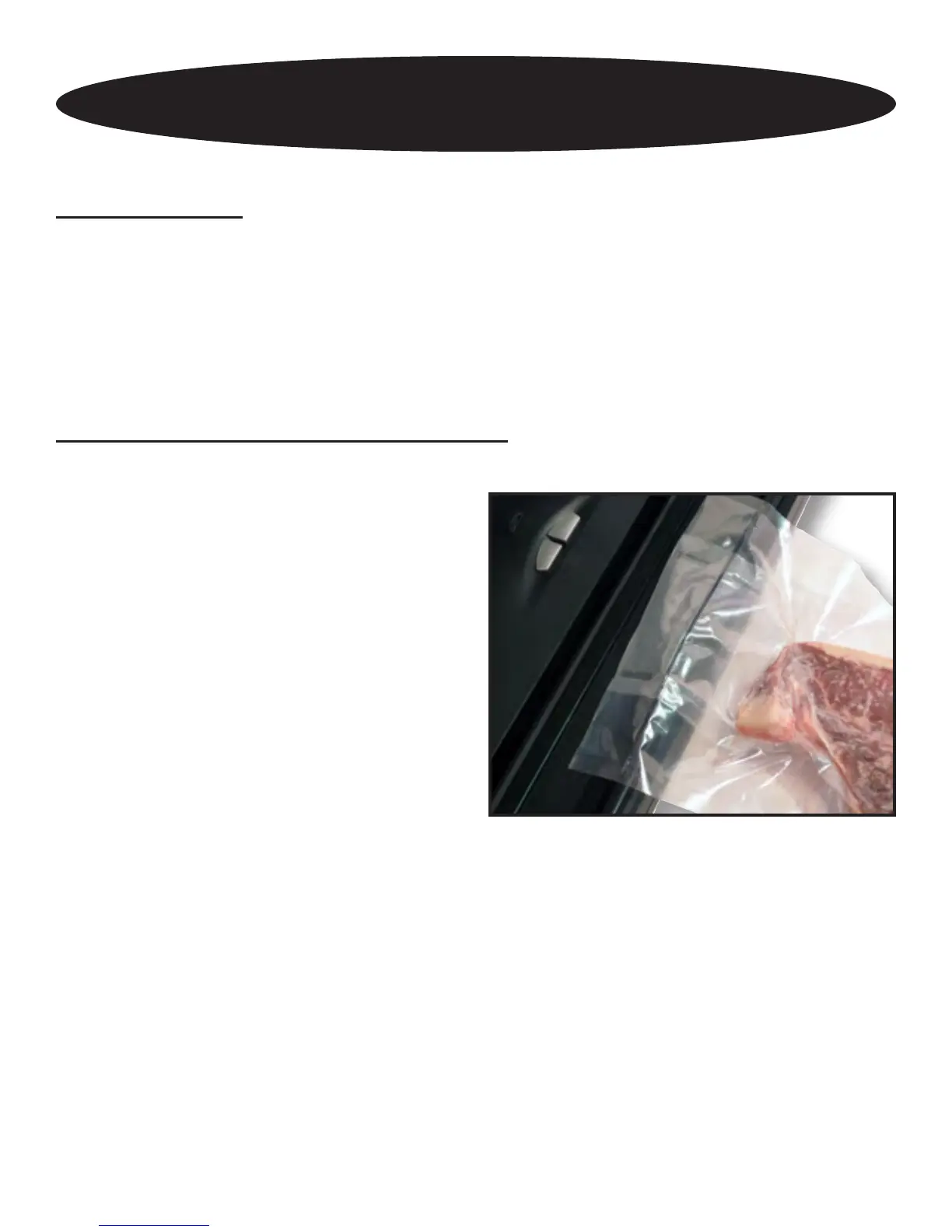
3. Lay open end of bag across
Sealing Strip, keeping opening within
the perimeter of the Chamber Ring.
4. Close lid.
5. While pressing lid down with thumbs,
press in latches on both sides of machine base with index ngers and lock.
6. Press “Vacuum & Seal” button.
7. Indicator light will turn red.
8. Vacuum pump will engage and suction will pull lid and seal bar down causing lid
to unlock (popping sound indicates latches unlocking).
9. Vacuum level sensor knows when it achieves proper vacuum level and will
automatically go into seal mode.
10. When in seal mode, indicator light will change slightly in color.
11. Lid will raise slightly and green light will illuminate.
Operating Instructions
5


 To Next Page