How to Use
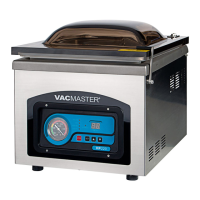
Set Up - Powering up the VP330
1. Attach the power cord and plug the machine into a grounded
electrical outlet - Properly insert the electrical cord into the
power outlet on the back of the machine and then plug the cord
into the wall outlet.
2. Open the machine lid - Release the lid lock, located on the right
side of the machine, and allow the lid to lift and remain open.
3. Do not stand over the lid
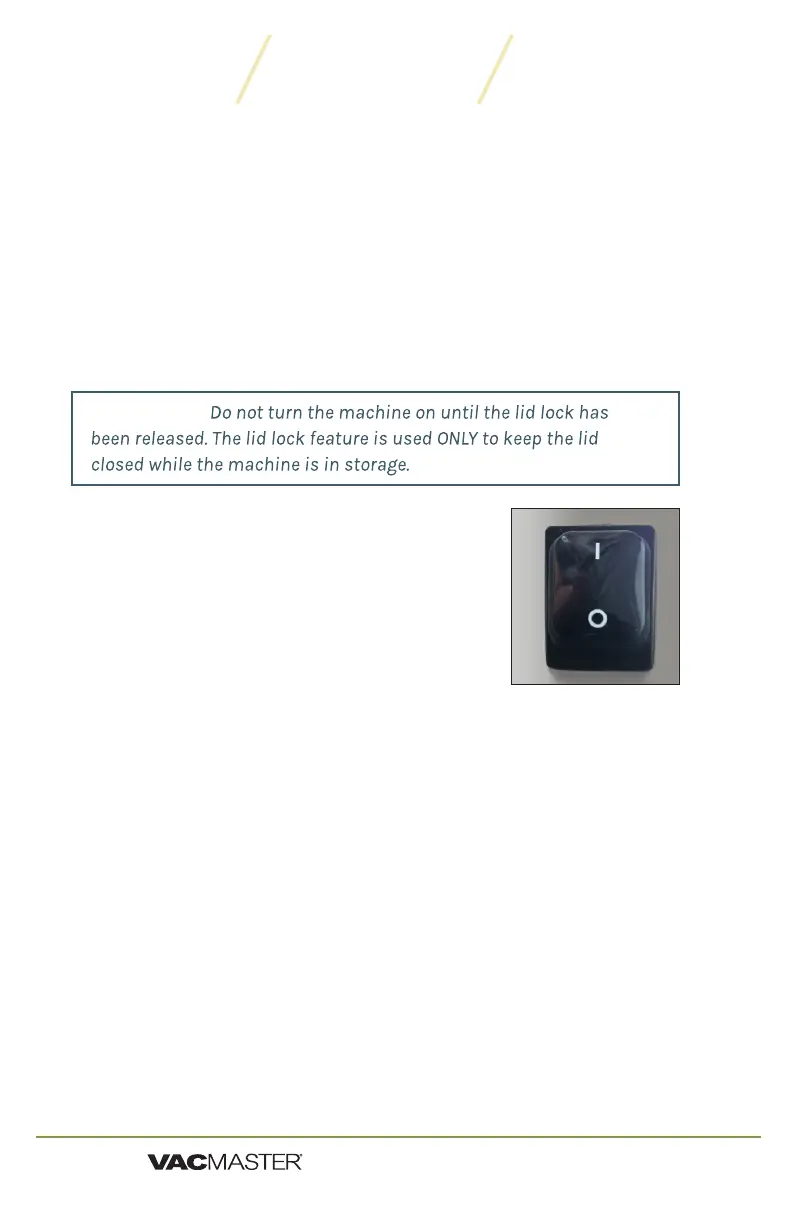
4. To power ON press "I" on the
power switch.
5. To power OFF, press "O" on the
power switch.
IMPORTANT:
Set Up - Adjusting the VP330 Timing Controls
NOTE: All timing adjustments must be made with the lid lock off and the lid open.
To adjust/set the timing controls, press the SET button on the control panel
until the required label (Vacuum, Sealing or Cooling) is illuminated. For
each selection, the current time setting will show on the LED Screen. All
time settings are displayed in seconds.
For initial testing, the time settings should be:
Vacuum Time - 40 seconds
Sealing Time - 1.6 seconds
Cooling Time - 2.6 seconds
To change the settings, please read the instructions for each control on
Page 7.
9
VP330 Chamber Vacuum Sealer | User Guide
ARY, Inc. | 11880 College Blvd Suite 550 Overland Park, KS 66210 | www.VacMasterFresh.com | 800-821-7849


 To Next Page