-12-
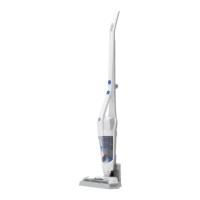
Using Your Hand Vacuum
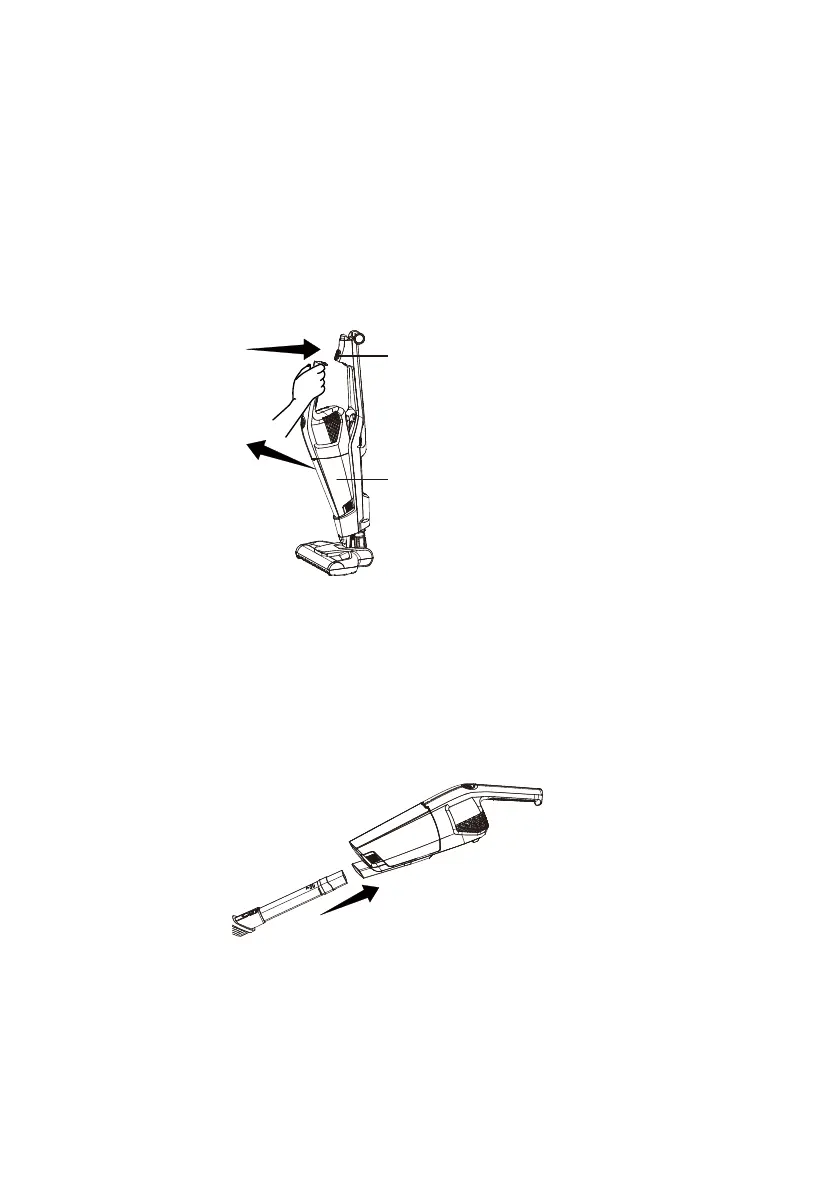
1. To remove the hand vacuum, press the hand vacuum button and detach from
the main body.
2. To switch the speed to LOW, press the speed control button. Press the
speed control button again to switch back to HIGH speed.
3. To stop the vacuum, press the power button.
2. To turn on, press the power button located on the handle.
3. To clean areas that are difcult to reach, use the 2-in-1 combination tool by
inserting one end of the tool into the hand vacuum.
Hand vacuum release button
Hand vacuum


 To Next Page