-14-
MAINTAINING YOUR VACUUM
CAUTION
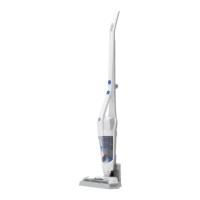
To reduce the risk of shock, remove vacuum cleaner from the charging base,
and turn off before performing any service or maintenance.
Emptying the Dust Container & Cleaning the Filter
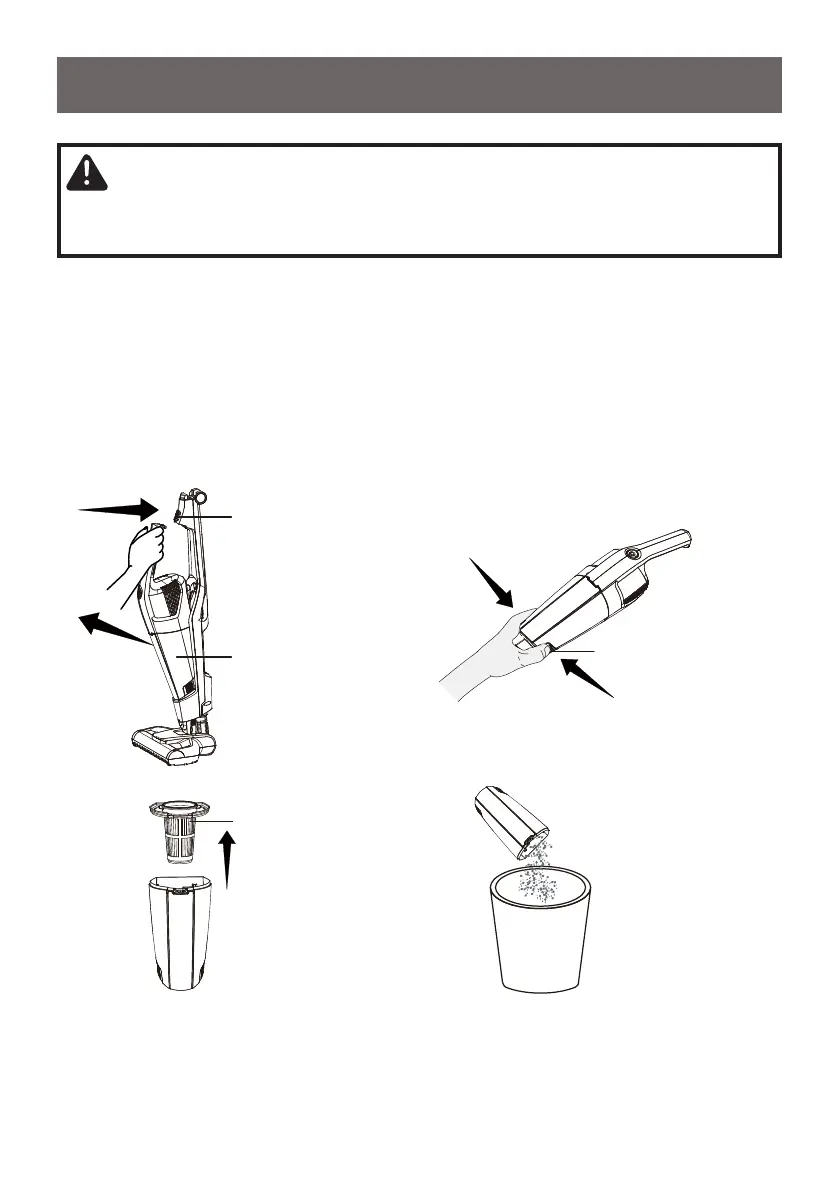
1. Remove the hand vacuum from the main body by pressing the hand vacuum
release button.
2. Hold the unit over a trash bin and use one hand to press the two dust cup
release buttons to separate the dust cup from the hand vacuum body.
3. Remove the lter basket from the dust cup. Empty the contents of the dust cup
into a trash bin.
1
2
Hand vacuum release button
Hand vacuum
Dust Cup Release Buttons
Filter Basket


 To Next Page