EasyManua.ls Logo

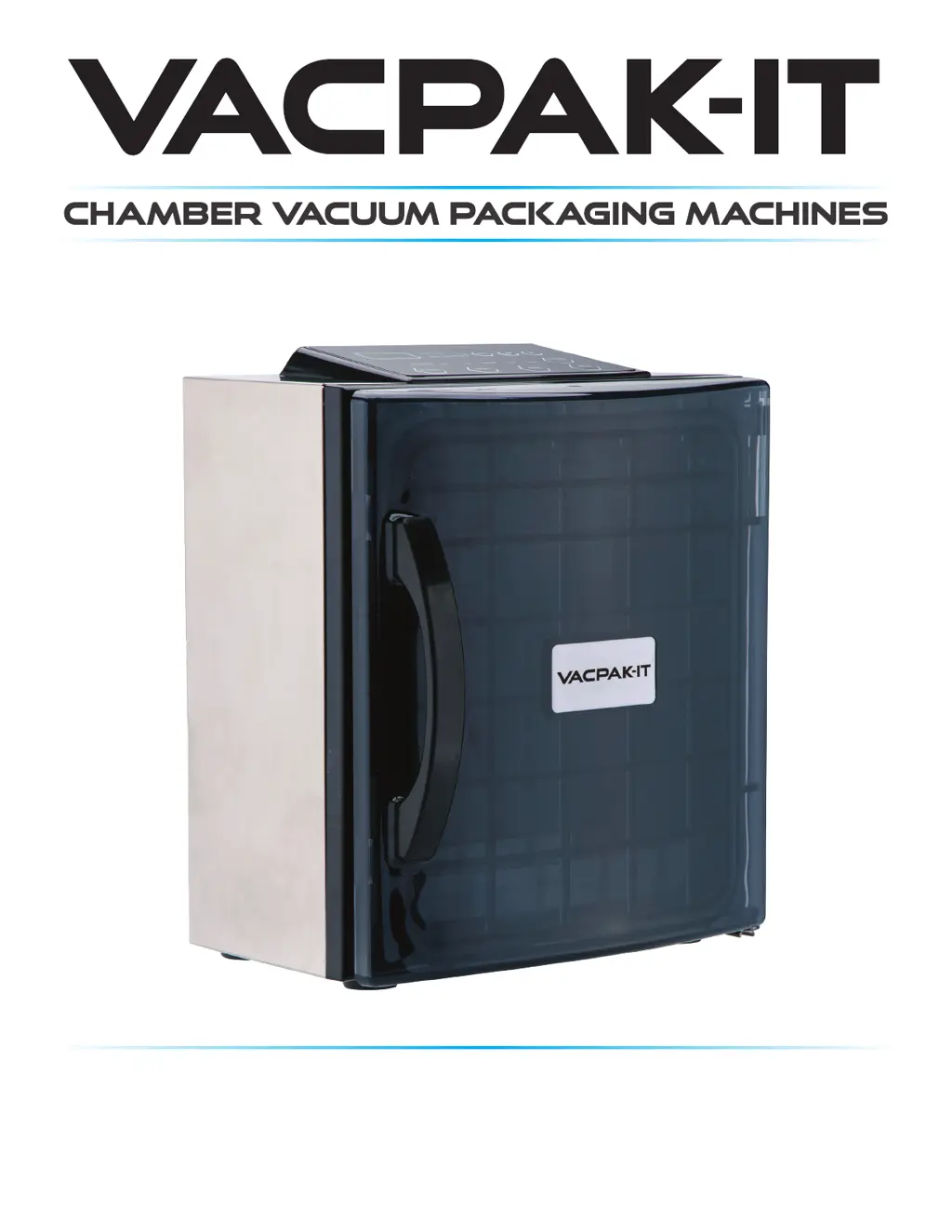
VacPak-It 186VMC10V - User Manual

VacPak-It 186VMC10V
12 pages
Print Icon
To Next Page IconTo Next Page
Loading...
#186VMC10V
10" Seal Bar
120V • 400W
08/2020

Questions and Answers

Summary

Food Storage & Safety

Control Panel

LED Display

Displays current cycle time in seconds.

Working Mode Indicator

Illuminates when working.

Set Button

Set vacuum or sealing time, adjust with +/- buttons.

Adjustable Button

Adjusts seal time, marinate time, or vacuum degree.

Vacuum Level

Select vacuum degree; adjustable with +/- keys when selected.

Stop Button

Stops vacuum cycle and seals bag immediately.

Seal Button

Seals bag under vacuuming to prevent crushing.

Vacuum Level Indicator

Illuminates when working.

Start Button

Begins vacuum and seal process automatically.

Power Button

Turns the machine on.

Features

Safety

Maintenance Guide

Routine Cleaning

Cleaning procedure for the machine after use.

Setup

Initial Setup

Guidelines for preparing and packaging food safely.

Packaging Guidelines

Tips for using packaging bags and food storage.

Operating Instructions

Vacuum bag placement

How to correctly place the vacuum bag in the chamber.

Set the time

Adjusting seal time or marinate time using buttons.

Set the vacuum degree

Selecting the desired vacuum level for packaging.

Vacuum - SEAL MODE

The process of vacuuming and sealing the bag.

Vacuum - MARINATE MODE

The process for marinating food using the machine.

Pouch Inspection

Checking the quality of the vacuum seal and pouch.

Product Installation

Troubleshooting

Model Specifications

Equipment Limited Warranty

VacPak-It 186VMC10V Specifications

General IconGeneral
BrandVacPak-It
Model186VMC10V
CategoryPackaging equipment
LanguageEnglish