EasyManua.ls Logo

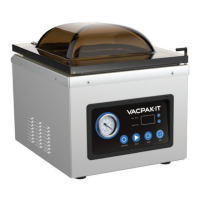
VacPak-It Ultima 86UVMC32 - User Manual

VacPak-It Ultima 86UVMC32
14 pages
Print Icon
To Next Page IconTo Next Page
Loading...
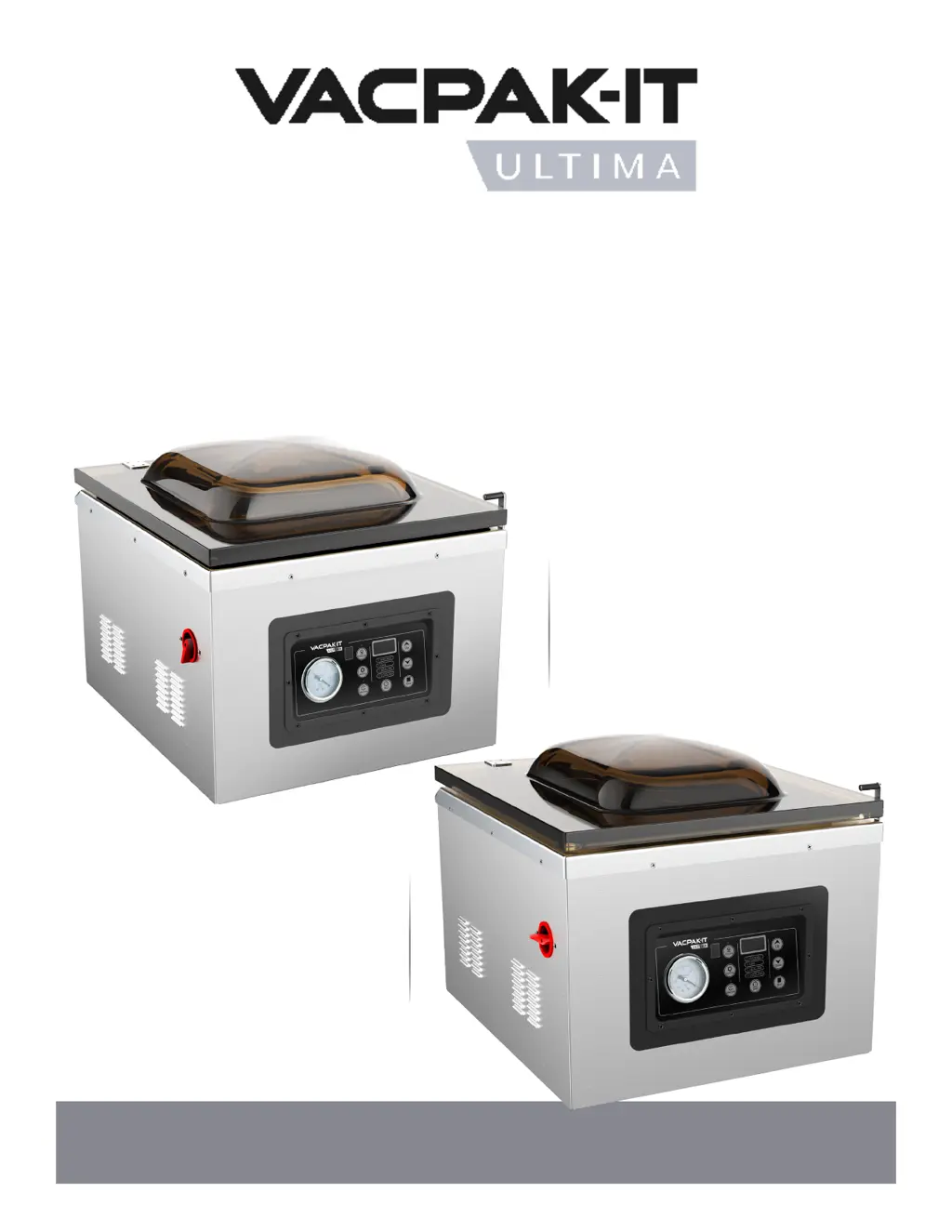
#186UVMC16
Single
16" Seal Bar
120V • 1150W
Includes: 3 Filler Plates, 100 Bags: 25 (10"x13"), 25 (8"x12"), 25 (12"x16"), 25 (6"x10") Bags
and Maintenance Kit (Seal Bar, Seal Tape, Sealing Gasket, (2) Fuses)
#186UVMC32
Double
16" Seal Bar
120V • 1180W
11/2020
CHAMBER
VACUUM PACKAGING
MACHINES

Questions and Answers

Summary

Food Storage and Safety

Important Food Storage Warnings

Never vacuum pack garlic, fungi, or soft cheese due to dangerous chemical reactions.

Control Panel Operation

Using the Set Button for Adjustments

Adjust vacuum, gas, sealing, and cooling times using Up/Down buttons after pressing 'Set'.

Understanding Indicator Lights

Indicator lights show which setting is active for time adjustment via Up/Down buttons.

Marinate Functionality

Enter marinate mode to select marinate times using Up/Down buttons; times adjust in 9-minute increments.

Using Up;Down Buttons for Adjustments

Adjust vacuum, sealing, cooling, marinate times, and preset programs by pressing Up/Down buttons.

Preset Program Selection

Select from 9 preset programs using the Prog 0-9 and Up/Down buttons.

Resetting Preset Programs

Reset preset programs by pressing Prog 0-9, Up/Down, Set, and then Set-Prog buttons.

Using the Stop Button

Press Stop to enter sealing mode during vacuuming or to stop cooling/sealing.

Understanding LED Displays

LED displays show times for vacuum, sealing, cooling, marinate, and preset program sequences.

Vacuum Gauge Functionality

The Vacuum Gauge displays the vacuum level inside the chamber.

Restoring Factory Settings

Press and hold Set and Up buttons on power-on to restore factory settings.

Programming Instructions

Initial Unit Power-On Procedure

Plug in the unit; displays and lights activate, then the unit enters preparation mode.

Setting Vacuum Time

Adjust vacuum time (5-90s) using Set and Up/Down buttons while the 'Vacuum' light is on.

Setting Gas Inflation Time

Adjust gas time (0-5s) using Set and Up/Down buttons when the 'Gas' light is on.

Setting Sealing Time

Adjust sealing time (0-6s) using Set and Up/Down buttons when the 'Sealing' light is on.

Setting Cooling Time

Adjust cooling time (0-5s) using Set and Up/Down buttons when the 'Cooling' light is on.

Setting Marinate Mode and Time

Press Marinate button, then Up/Down to set marinate time (9-99 min).

Selecting a Preset Program

Use Prog 0-9 and Up/Down buttons to select a preset program (0-9).

Resetting a Preset Program

Set parameters with 'Set', then press 'Set-Prog' to reset the selected program.

Vacuum and Sealing Process

Close lid to start vacuum, then machine automatically proceeds to sealing and cooling.

Vacuum Marinate Mode Operation

Operates a 9-minute cycle for vacuuming and marinating; continues to marinate after vacuum.

Canceling Sealing;Cooling Operation

Press the 'Stop' button to cancel sealing or cooling and release air.

Canceling Gas;Sealing;Cooling Operation

Press the 'Stop' button to cancel gas, sealing, or cooling and release air.

Machine Alarm Functions (E01, LP)

E01 indicates lid not closed; LP indicates pressing Stop to exit.

Parameter Memory Function

The machine remembers the last parameter settings after power off.

Resuming Factory Settings

Press and hold 'Set' and 'Up' for 3s on power-on to reset to factory defaults.

Setup Procedures

Adding Pump Oil

Steps to remove panel, drain old oil, and refill pump oil to the sight glass level.

Initial Setup Procedures

Connect power, release lid lock, and turn on the machine using the red dial.

Adjusting Timing Controls

Use 'Set' and 'Up/Down' buttons to adjust Vacuum and Sealing times.

Operating Instructions

Important Food Safety During Operation

Reinforces warnings against vacuum packing specific foods due to dangerous chemical reactions.

How to Vacuum Seal Bags

Step-by-step guide for placing items in pouches, sealing, and checking seal quality.

Checking and Improving Vacuum Quality

Inspect for air pockets or leaks; increase vacuum time if quality is not adequate.

Checking and Improving Seal Quality

Inspect seals for clarity; adjust seal time by 0.1s if spotty, incomplete, milky, or white.

How to Marinate Food

Use Marinate button to select time or preset program, then close lid to begin marination.

Gas Flush System Explanation

System replaces oxygen with CO2/N2 to extend shelf life and protect fragile items.

How to Use Gas Flush System

Connect gas cylinder, set optimal pressure between 5-12 psi.

Maintenance Guide

Changing Pump Oil

Recommended after 20 hours initial use, then every 50 hours. Includes draining and refilling.

Routine Cleaning Procedures

Wipe down chamber, lid, and exterior daily; clean seal bar with damp cloth only.

Troubleshooting Common Issues

Unit Not Turning On

Ensure proper plug-in, check power cord for damage, and verify power switch is on.

Achieving Complete Vacuum

Check vacuum time, bag placement on seal bar, and seal clarity; ensure cleanliness.

Bag Loses Vacuum After Sealing

Check for punctures from sharp items, cover them, and ensure proper food preparation (blanching).

Pouch Not Sealed Properly

Increase sealing time in small increments and ensure bag and seal bar are clean and dry.

Buttons Not Working

Unplug and replug the machine to reset programming if buttons are unresponsive.

Model Specifications Overview

Specifications for 186 UVMC16

Details chamber dimensions, material, single 16" seal bar, voltage, wattage, and features.

Specifications for 186 UVMC32

Details chamber dimensions, material, double 16" seal bar, voltage, wattage, and features.

Equipment Limited Warranty

Warranty Coverage Period

Warrants equipment free from defects for 18 months from date of purchase.

How to Make a Warranty Claim

Contact the original purchase location (WebstaurantStore.com or local store).

Limited Warranty Exclusions

Excludes damage from misuse, improper installation, non-continental US use, and unauthorized repairs.

VacPak-It Ultima 86UVMC32 Specifications

General IconGeneral
BrandVacPak-It
ModelUltima 86UVMC32
CategoryKitchen Appliances
LanguageEnglish

Related product manuals