4. Controls and Indicators
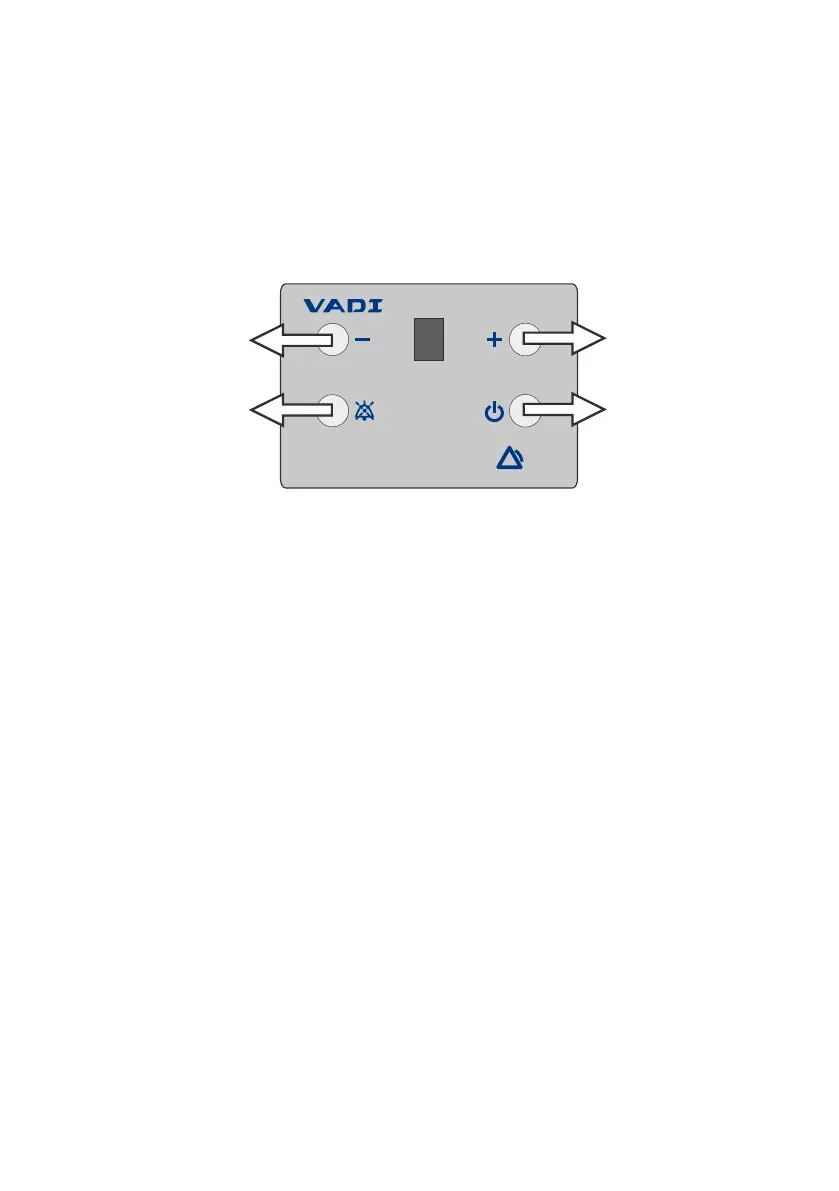
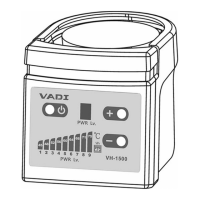
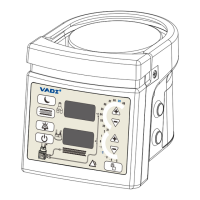
Heater control panel: display level from 0-9. (0 – Stand by).
Heater On: The “Heating LED” light is on when heating.
Power On: Press the “Power On” button. Green LED light indicates
that AC power has been turned on. Press the on/off
switch again to turn off the humidifier.
+Heating-power Up:
increase the heating level by pressing the button.
-Heating-power Down:
decrease the heating level by pressing the button.
Silence button: press silence button to cut off the alarm signal;
alarm continue signal after 2 minutes.
Notes
1. "0" Heater level is Stand by, heater plate is not heated.
2. If the over temperature protection is activated, the heater level
automatically will be 0.
3. Temperature at patient’s side will be different from the heater
plate’s, due to tubing size, length, flow rate and room temperature
affection.
Comment: Thermometer is recommended to use for more accurate
temperature data on patient’s side.
-6-
SET HEATER PWR
+heating power up
Power On
-Heating-Power down
Silence button



 To Next Page