Operation and Quick Start Guide
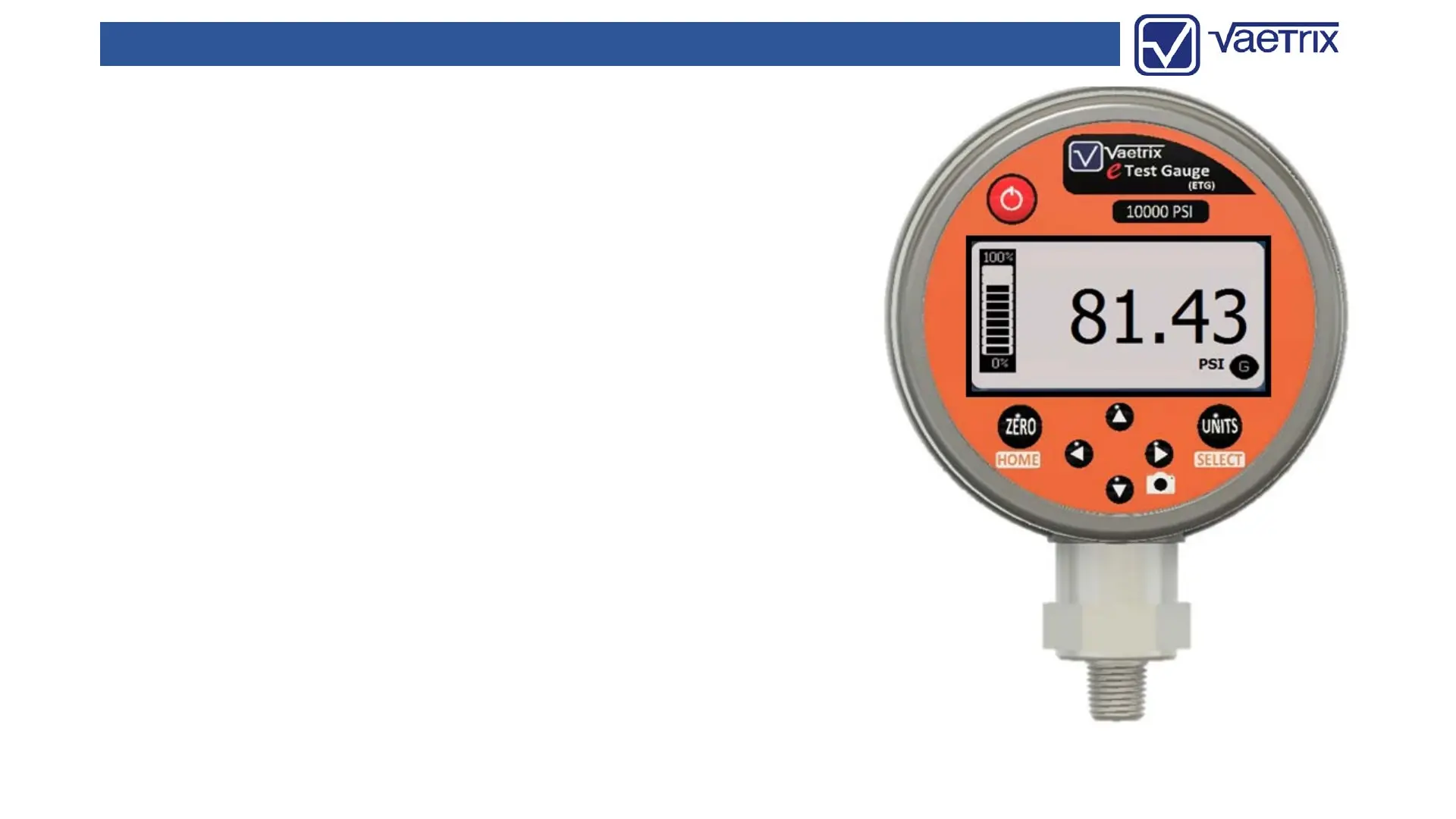
When the power key is pressed down the gauge enters the
boot-up sequence.
Gauge firmware revision, range, serial number, and contact
information will be displayed for two seconds.
Once complete the gauge is actively reading pressure in
Measure Mode.
There are two modes of operation:
(Measure)
The Measure Mode keys ZERO, UNITS, and SNAPSHOT are
active.
The backlight will automatically turn On with any key
press and remain on for 60 seconds. Backlight settings
can be changed in Program Mode under DISPLAY.
(Program)
Simply press and hold the DOWN arrow to access
Program Mode. Use the ARROW keys to navigate and
SELECT to confirm. The quick overview below shows you
all the available menu options.
2/19/2019 2



 To Next Page