EasyManua.ls Logo

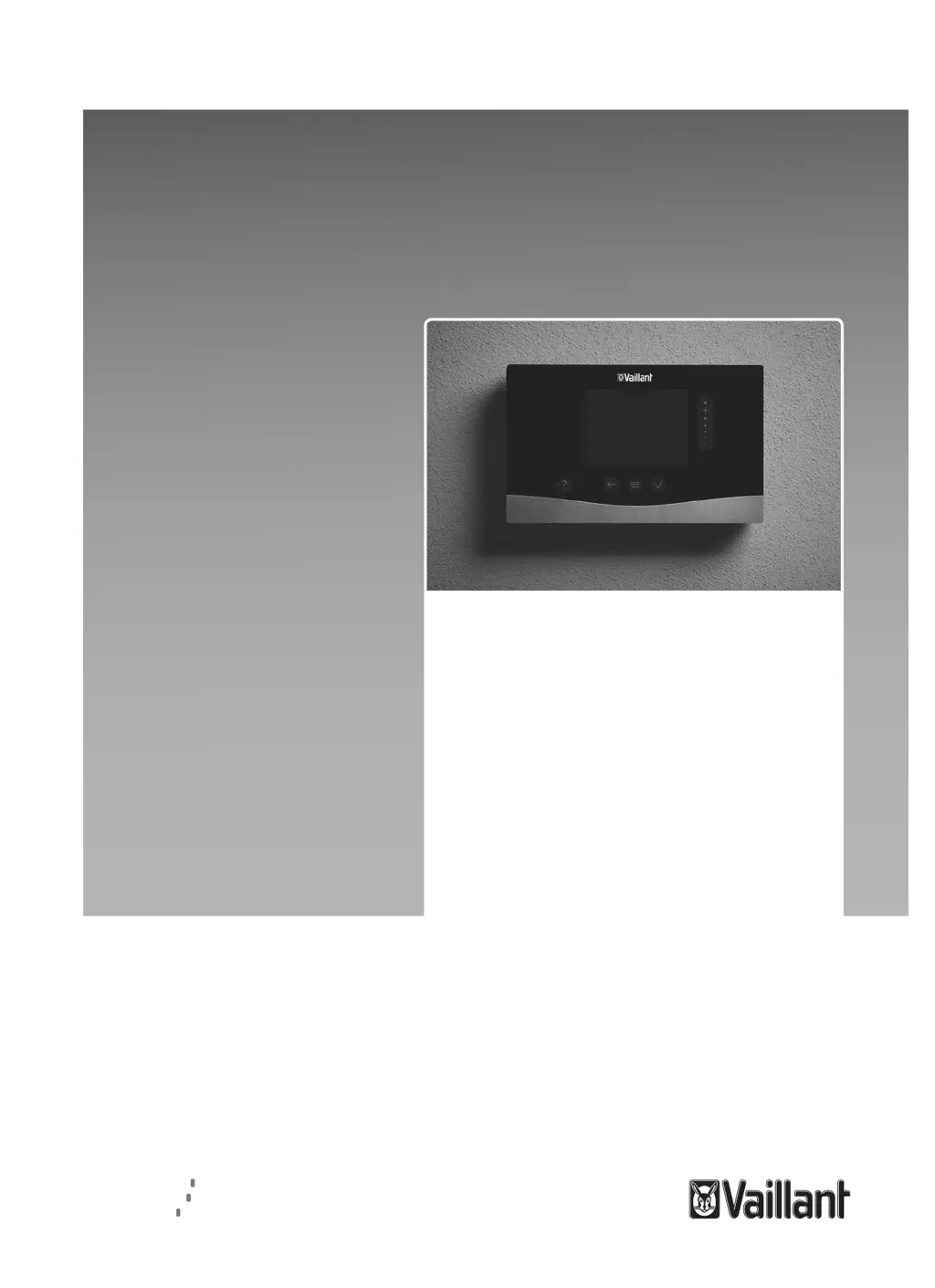
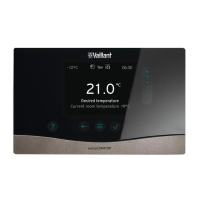
Vaillant sensoCOMFORT VRC 720f - User Manual

Vaillant sensoCOMFORT VRC 720f
228 pages
Go to English
Print Icon
To Next Page IconTo Next Page
Loading...
es Manual de uso e instalación
en Operating and installation
instructions
pt Instruções de uso e instalação
sl Navodila za uporabo in
namestitev
sensoCOMFORT
VRC 720f
Publisher/manufacturer
Vaillant GmbH
Berghauser Str. 40
D-42859 Remscheid
Tel. +492191180
Fax +492191182810
info@vaillant.de
www.vaillant.de
int Country specifics

Table of Contents

Questions and Answers

  • A
    Anthony BallAug 4, 2025
    Why is the Vaillant sensoCOMFORT VRC 720f Controller display dark?
    • T
      Teresa AlvarezAug 4, 2025
      The Vaillant Controller display might be dark because the batteries are flat. In this case, change all the batteries. Alternatively, the product could be defective, requiring a replacement.
  • C
    Chad GutierrezAug 8, 2025
    What to do if I can't make changes on the Vaillant sensoCOMFORT VRC 720f Controller display?
    • J
      Jeremy FranklinAug 9, 2025
      If you cannot make changes on the Vaillant Controller display, it might be due to a software error. Try taking all the batteries out, then re-inserting them into the battery compartment, ensuring the correct polarity. If this doesn't work, the product may be defective and require replacement.
  • L
    luiskellyAug 14, 2025
    Why does the Vaillant Controller heat generator continue to heat after reaching the set temperature?
    • F
      fclarkAug 14, 2025
      The heat generator might continue to heat even after the room temperature is reached due to an incorrect value in the Room temp. mod.: or Zone assignment: function. To resolve this, set the value to Active or Expanded in the Room temp. mod.: function. Also, in the zone where the system control is installed, assign the system control's address in the Zone assignment: function.
  • S
    saragarnerAug 19, 2025
    How to fix Vaillant Controller if heating stays in domestic hot water mode?
    • G
      ginamorganSep 12, 2025
      If the heating installation remains in domestic hot water mode, it could be because the heat generator cannot reach the maximum target flow temperature. To fix this, reduce the set value in the Max. target flow temperature:°C function.
  • J
    jasminejenkinsAug 23, 2025
    What if I can't switch to the installer level on my Vaillant Controller?
    • L
      Laurie MitchellAug 25, 2025
      If you cannot switch to the installer level on the Vaillant Controller because you do not know the code, reset the system control to the factory setting. Note that all set values will be lost.
  • M
    Mrs. Melissa AndersonAug 29, 2025
    Why does my Vaillant Controller only show one heating circuit?
    • E
      egomezAug 29, 2025
      If only one of several heating circuits is displayed on your Vaillant Controller, it could be because the other heating circuits are inactive. To solve this, define the required function for each heating circuit in the Circuit type: function.

Summary

Safety

Action-related warnings

Classifies warnings by severity using signal words and symbols for safe operation.

General safety information

Covers essential safety information, including qualifications, battery risks, and improper use.

Product Description

Display, control elements and symbols

Details the control elements, symbols, and their functions for user interaction.

Operating and display functions

Explains the functions available to the end user for system operation and settings.

Electrical Installation and Set-up

Installing the radio receiver unit

Provides instructions for installing and connecting the radio receiver unit to the system.

Installing the outdoor temperature sensor

Guides on selecting an installation site and checking reception for the outdoor temperature sensor.

Functional Modules, System Diagrams, and Start-up

Terminal assignment for the FM5 functional module

Details the terminal assignments and configurations for the FM5 functional module.

Terminal assignment for the FM3 functional module

Details the terminal assignments and configurations for the FM3 functional module.

Settings for the basic system diagram codes

Explains how to select basic system diagram codes for various system configurations.

Start-up

Running the installation assistants

Explains the process of using the installation assistant for system configuration and setup.

Fault and Maintenance Messages

Fault

Provides guidance on how to respond to system faults, particularly heat pump failures.

Replacing the outdoor temperature sensor

Details the procedure for replacing the outdoor temperature sensor.

Information About the Product

Guarantee and customer service

Provides information on product warranty terms and customer service contact details.

Technical data

Lists the technical specifications for the system control, radio receiver, and outdoor sensor.

Appendix: Troubleshooting

Troubleshooting, maintenance message

Offers solutions for common issues like dark display, heating problems, and language settings.

Troubleshooting

Lists specific error messages, their causes, and recommended troubleshooting steps.

Vaillant sensoCOMFORT VRC 720f Specifications

General IconGeneral
BrandVaillant
ModelsensoCOMFORT VRC 720f
CategoryController
LanguageEnglish

Related product manuals