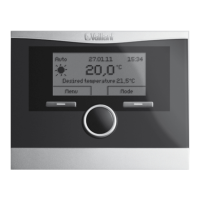
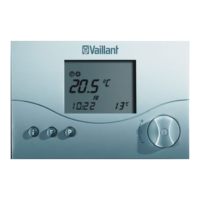
29VRT 230 Installation Manual
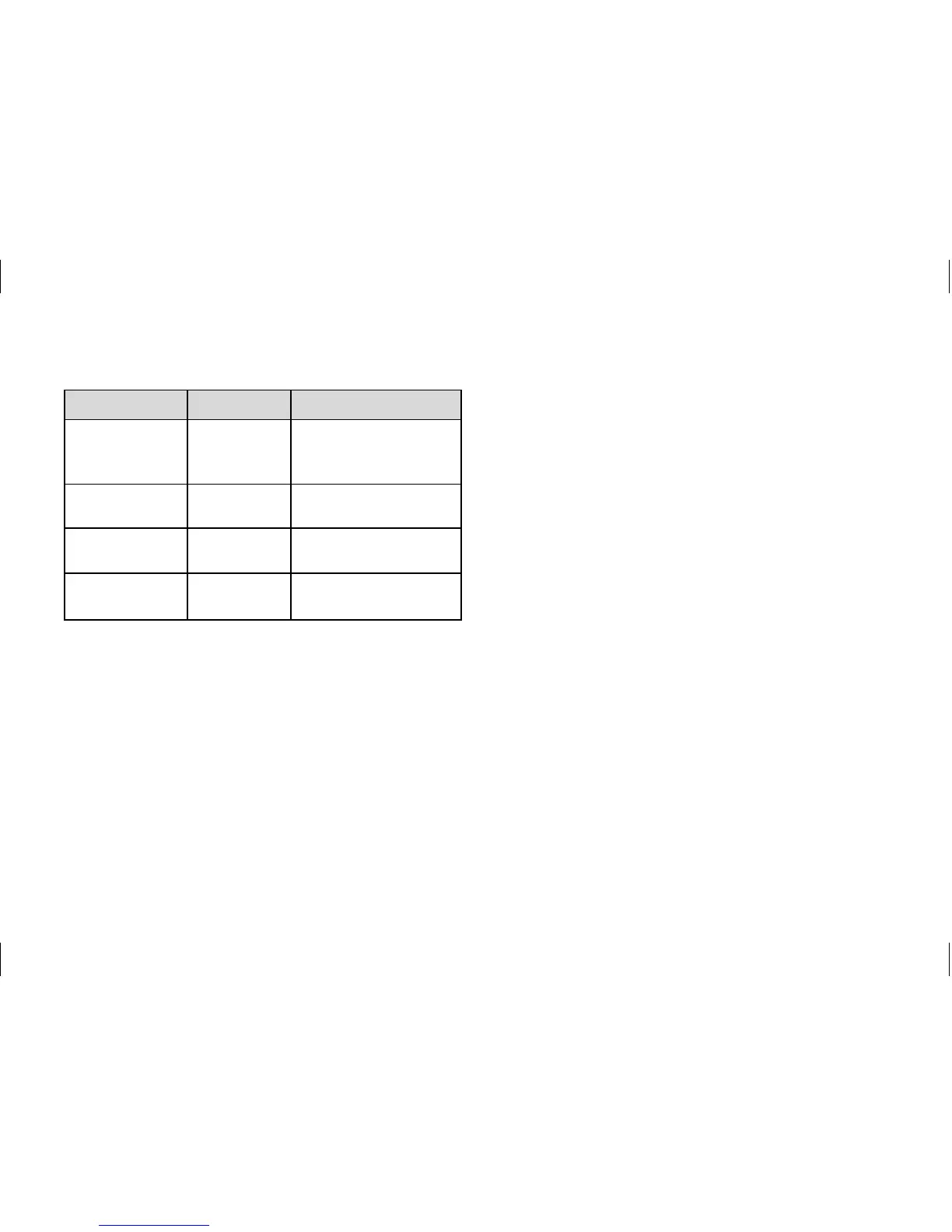
Dial Test Test procedure
Press and
push P button
3 seconds.
Heating
request
Relay switches to
heating request
(display: CH ON)
Turn teleSWITCH
input
Display teleSWITCH
input status
Press Display
test
All display elements
are displayed.
Press Software
version
The software ver-
sion is displayed.
Table 11.2 Service/diagnostic level
Restoring the default settings
• To restore the room thermostat to its
default condition, press the P button
for 15 seconds. As soon as the display
lights up twice, the room thermostat
has been reset. This means that you
will have to perform all individual set-
tings again.
11.3 Handing over to the owner
The owner of the room thermostat must
be instructed about its functions and
how to operate it.
• Hand over any instructions intended
for the owner as well as the room ther-
mostat documents.
• Go through the operating manual with
the owner and answer any questions.
• Draw special attention to the safety
instructions which the owner must fol-
low.
• Tell the owner to keep the instruction
manuals near the room thermostat.
Start-up 11


 To Next Page