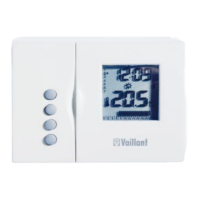
Operating Manual VRT 392 14
Screen Title screen adjustable
operating values
(just display = A)
Remarks Unit Min.
value
Max.
value
Step
width/
Selection
possibility
Preset
value
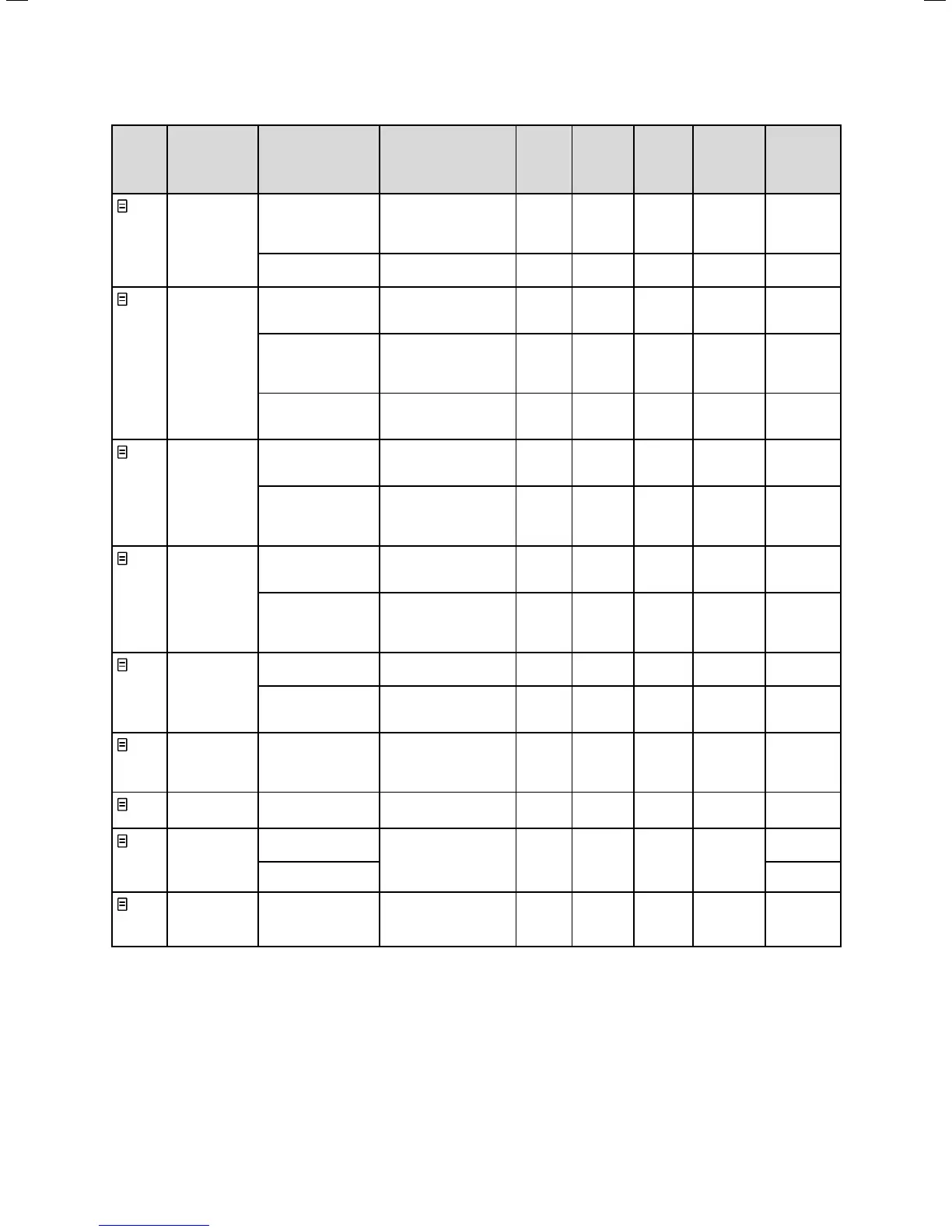
1
Basic data Date
weekday
time of the day
Day, Month and year
selected separately
Hours and minutes
selected separately
Summer/winter
changeover
Auto, Off Off
2
HC1
time
programmes
Day of week / week
block
Select single weekday
or block of days (e.g.
Mo-Fr)
1 Start/End time of
the day
2
3
Three time periods are
available per day or
block of days
Hours/
minutes
10 min
Temperature per
time period
An individual room
temperature can be set
for each time period
°C 5 30 0,5 20
4
Hot water time
programmes
Day of week / week
block
Select single weekday
or block of days (e.g.
Mo-Fr)
1 Start/End time of
the day
2
3
Three time periods are
available per day or
block of days
Hours/
minutes
10 min
5
Circulation
pump
time
programmes
Day of week / week
block
Select single weekday
or block of days (e.g.
Mo-Fr)
1 Start/End time of
the day
2
3
Three time periods are
available per day or
block of days
Hours/
minutes
10 min
7
Holiday
programming
of the
complete
system
Holiday period Start Day, Month, Year
End Day, Month, Year
Holiday target value
heating
Room temperature for
holiday period
°C 5 30 0,5 10
8
HC1
Parameter
Set-back
temperature
For the times between
the time windows you
can set a set-back
temperature.
°C 5 30 0,5 15
10
Hot water
parameters
Hot water set target
temperature
Hot water target
temperature
°C 35 70 1,0 60
14
Changing the
name
Heating circuit 1 Any name with up to 8
characters can be
entered
Heating
circuit 1
Hot water Hot water
15
Code level Code number Access for the installer
only with input of
saved code number
1000
Table 4.4 Screens in the level for the user
4 Operation



 To Next Page