23
Use
Control panel and remote control description
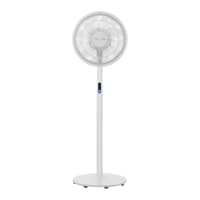
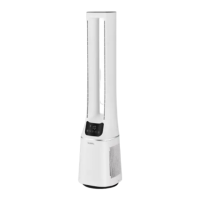
NOTE: When using the remote control, point the top of the remote towards the
tower fan’s display to correctly transmit the signal.
•
A beep will sound to confirm your selection whenever a button is pressed on the tower
fan or remote control, and the display will be updated accordingly.
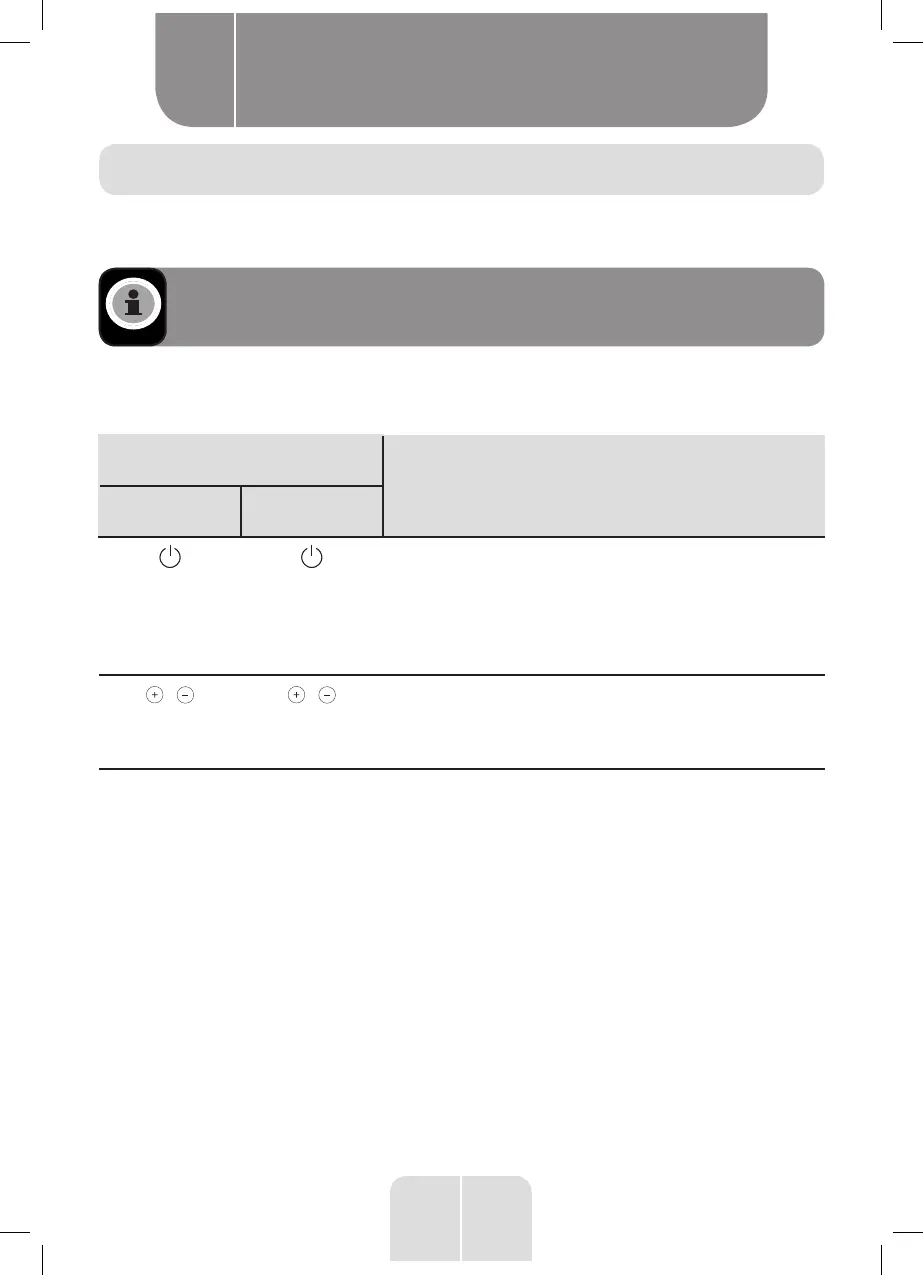
Button
Function
Control panel Remote control
POWER
•
Press to turn on the unit. The indicators corresponding
to the current speed, fan mode and oscillation (if
enabled) will be illuminated on the main display
screen.
•
Press again to put the unit in Standby (off) mode. The
screen will go off.
/
Speed or
program
/
Press to increase or decrease the fan speed (Normal
ventilation) or to select a predefined ventilation
programme (Night-time ventilation/Natural
ventilation).
Product usage
B


 To Next Page