24
Button
Function
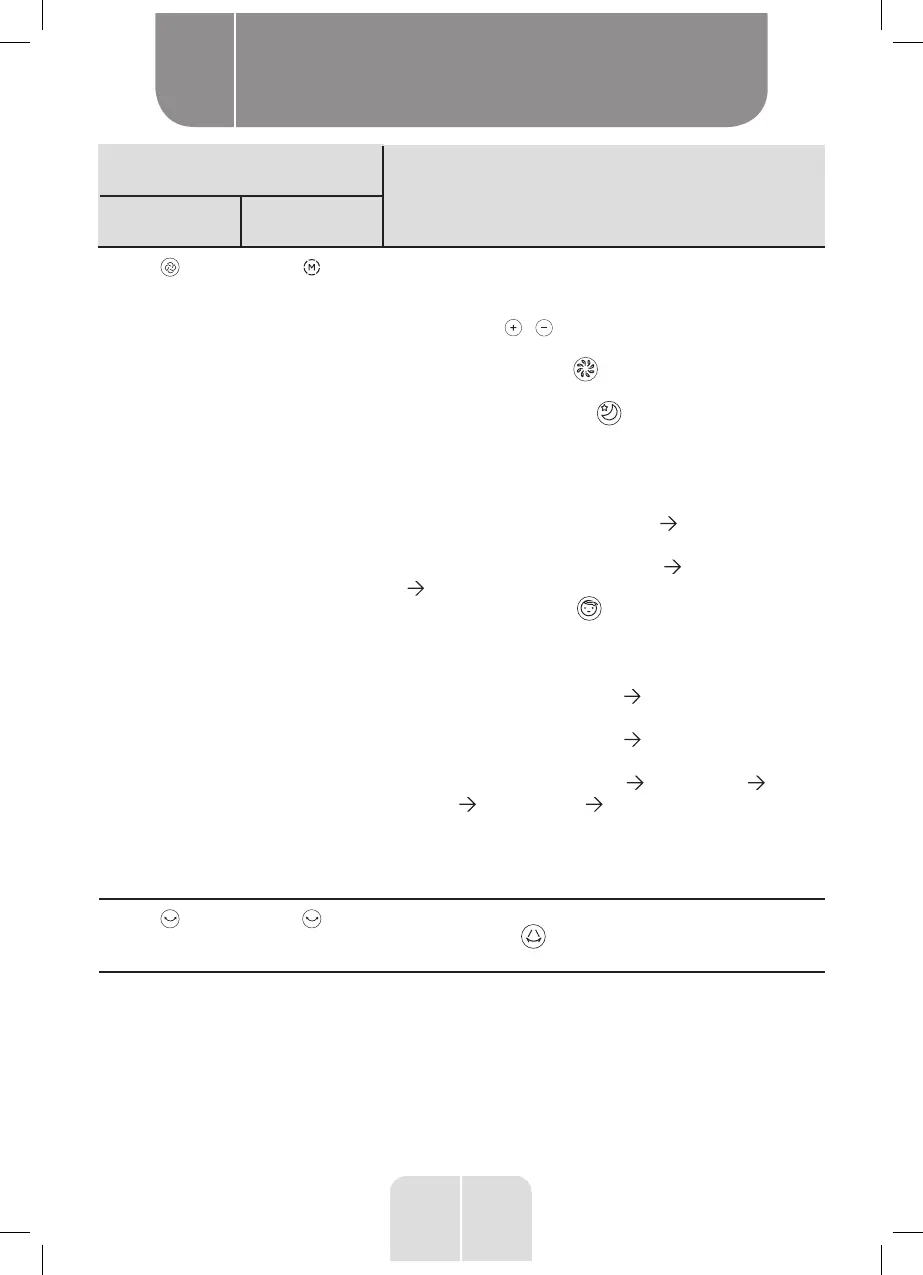
Control panel Remote control
Fan mode
•
Press this button to toggle between the 3 fan modes.
The indicator of the selected fan mode will light up
on the screen.
•
Then press / to select a predefined fan speed
or ventilation programme.
–
Normal ventilation : The fan speed can be set
from level 1 to 6.
–
Night-time ventilation : This mode simulates a
light night breeze which is ideal for a good sleep. The
fan speed decreases by one level every 30 minutes
to then remain at the lowest speed. Two ventilation
programmes are available.
•
Programme 1: Speed 2 (30 min) Speed 1 (remains
at speed 1).
• Programme 2: Speed 3 (30 min) Speed 2 (30 min)
Speed 1 (remains at speed 1).
–
Natural ventilation : This mode simulates an
outdoor breeze. The fan speed varies and the cycle
is repeated in a loop. Three ventilation programmes
are available.
•
Programme 1: Speed 3 (6 s) Speed 2 (6 s), repeated
in a loop.
•
Programme 2: Speed 5 (6 s) Speed 4 (6 s), repeated
in a loop.
•
Programme 3: Speed 6 (6 s) Speed 5 (6 s) Speed
4 (6 s) Speed 5 (6 s) repeated in a loop.
PLEASE NOTE: In Night-time ventilation and Natural
ventilation mode, the speeds are preset in the
programmes and cannot be adjusted.
Oscillation
Press to activate or deactivate the automatic left-right
oscillation. The indicator lights up on the screen
whenever the function is activated.
Product usage
B


 To Next Page