25
Button
Function
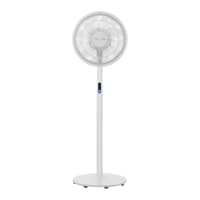
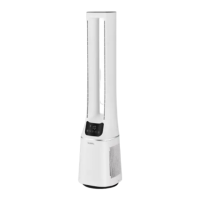
Control panel Remote control
Timer
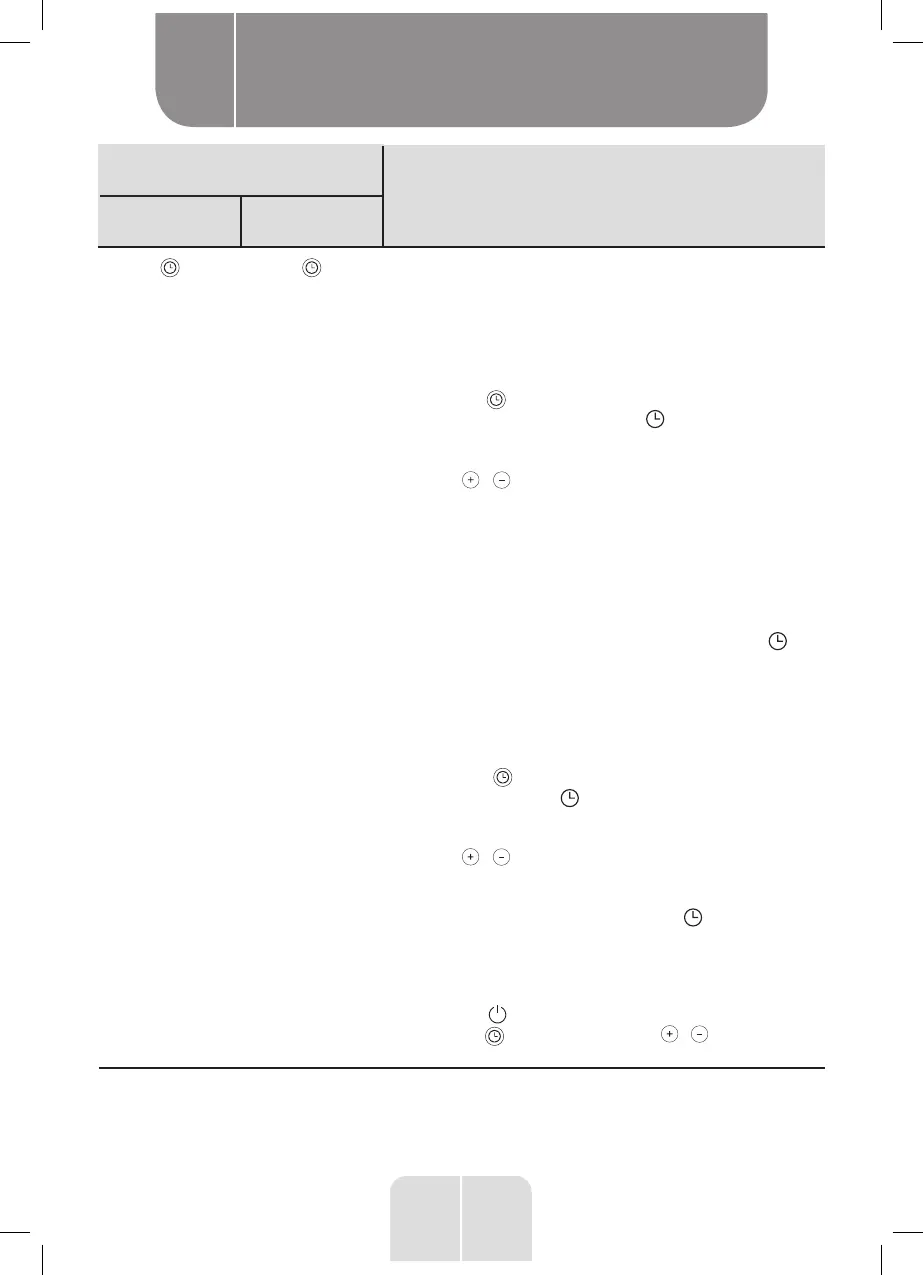
Press to enter the auto-on/auto-off timer setting mode.
The time can be set in 30-minute intervals from 0.5 to
9.5 hours, then in 1-hour intervals from 10 to 12 hours.
Auto-on:
This function allows you to delay the time upon which
the unit switches on.
•
Press the button when the unit is in Standby mode
to set the auto-on timer. The indicator light will
turn on and the duration "0.0" will flash for a few
seconds on the settings screen.
•
Press / to set the desired auto-on time (0.5 -
12 hours).
•
The settings screen will then display the main
parameters, indicating the last used settings as far
as speed, fan mode and oscillation (if enabled) are
concerned; these will flash for a few seconds. These
settings can be adjusted if desired.
•
When you have finished with the settings, the main
display screen will reappear: the set time , in
addition to the fan mode and oscillation indicators
(if enabled) will light up for approximately 1 minute.
Auto-off:
This function allows you to delay the time upon which
the unit goes into Standby mode (switches off).
•
Press the button when the unit is on to set the
auto-off timer. The indicator light will turn on and
the duration "0.0" will flash for a few seconds on the
settings screen.
•
Press / to set the desired auto-off time (0.5 -
12 hours).
•
When you have finished with the settings, the main
display screen will reappear: the indicator will
be lit, in addition to the fan mode and oscillation
indicators (if enabled) to indicate that they are in use.
To cancel a programmed auto-on or auto-off:
• Press the button or
•
press the button, followed by / until the time
returns to “0.0”.
Product usage
B


 To Next Page