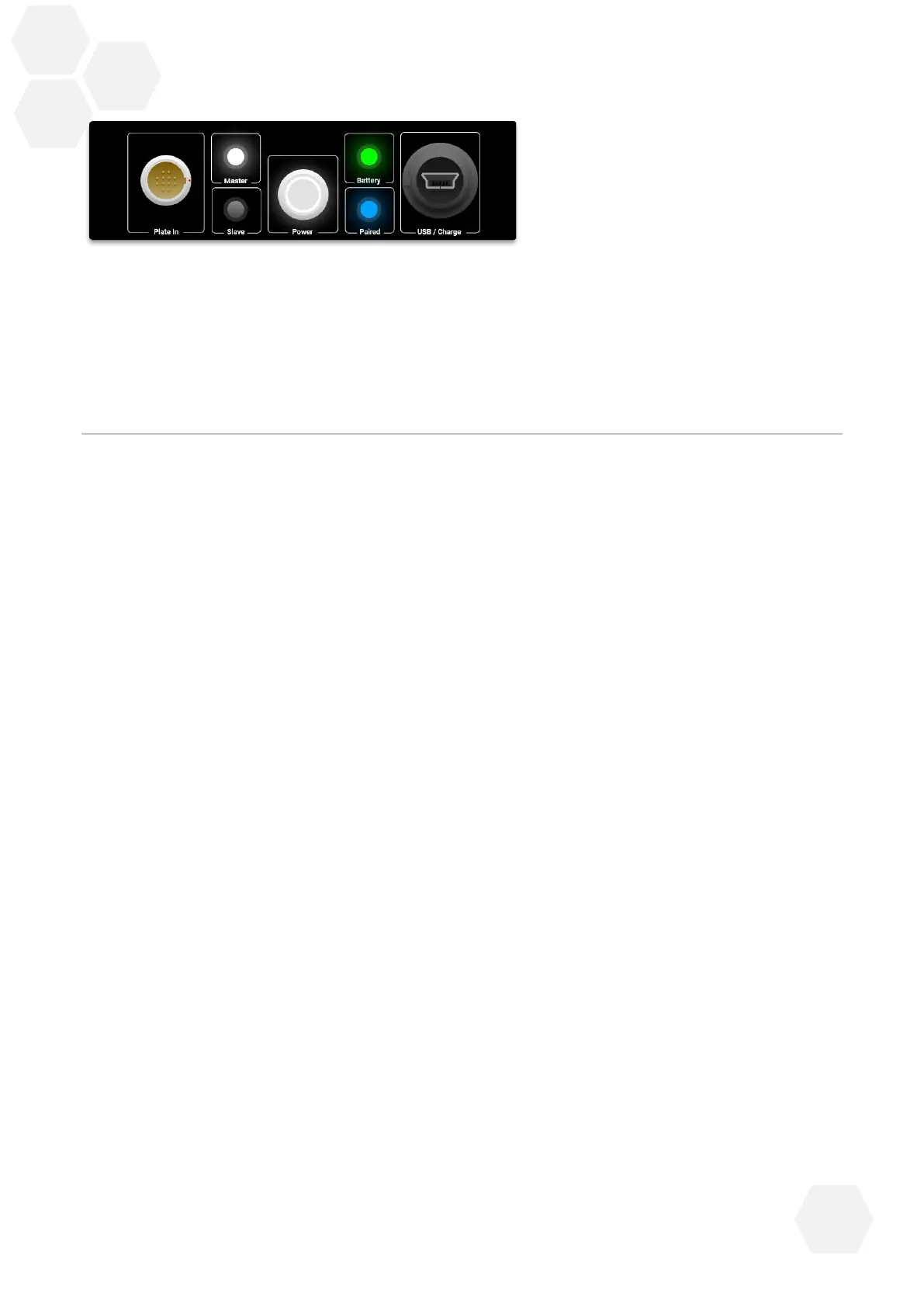
Note: When turning on the ForceDecks, if the power button is pressed on the Secondary plate, the plate
will turn on then straight off again.
5 Getting Started: ForceDecks Software
ForceDecks software is the heart of the ForceDecks system, taking previously laborious tasks and
performing them automatically to facilitate rapid testing of individuals in time-pressured
environments. These tasks include:
• Identifying what type of movement was performed;
• Identifying key characteristic time points within the movement (e.g. Start of Movement,
Take-off, etc); and most importantly
• Calculating actionable summary results.
The ForceDecks software suite includes:
• ForceDecks Windows application
• ForceDecks iOS application
• ForceDecks Jump
• ForceDecks LeaderBoard, and
• VALD Hub.
*Users must activate their ForceDecks software within 7 days of installing the software onto their
device, and annually thereafter.



 To Next Page