SETUP WIZARD
FINISHING THE SETUP
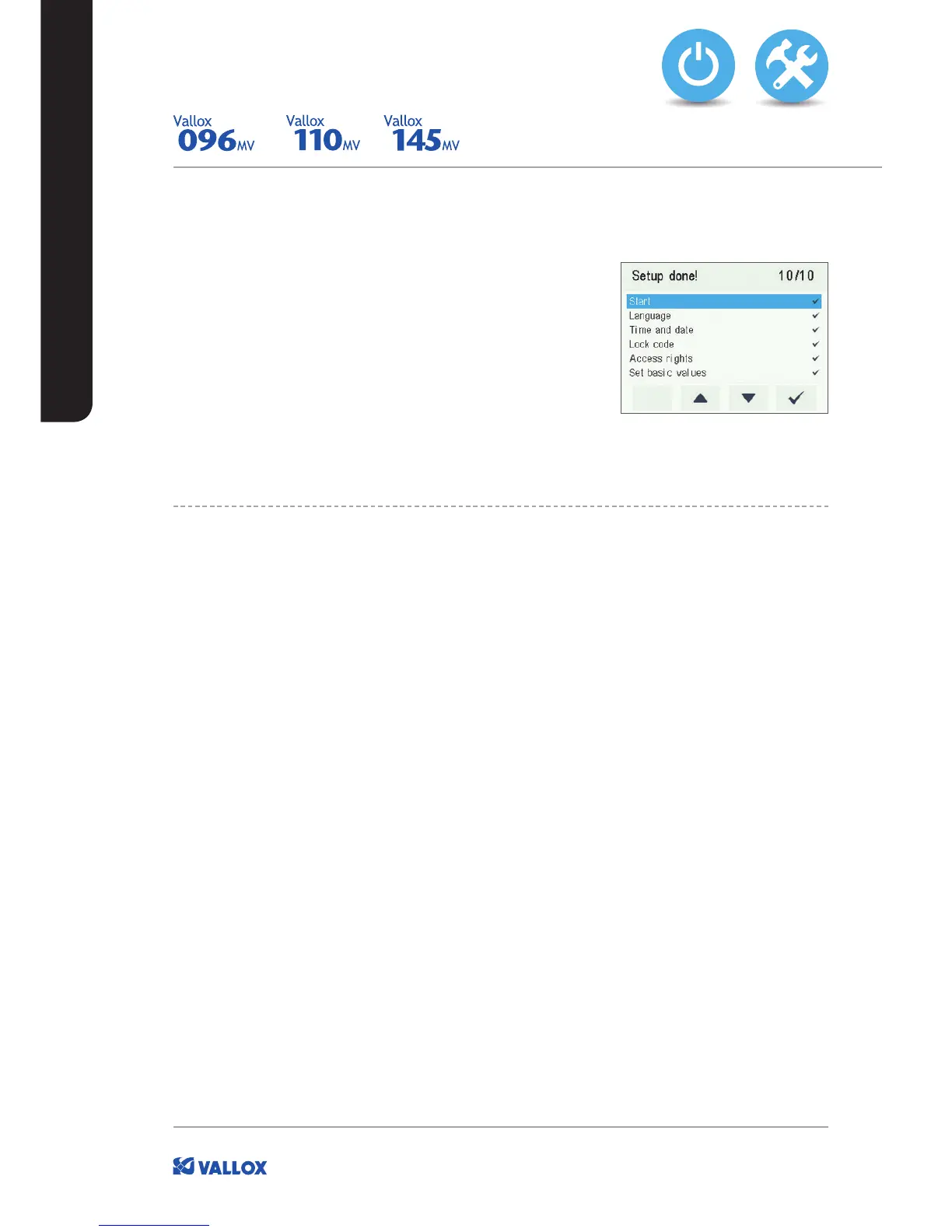
Once you have completed all phases of the setup, a Setup done!
message will be shown.
Finish up the setup, as follows:
1. To go back to change a value, use the arrow buttons to
select the desired line and press the OK button.
2. Repeat the selected setup phase or phases, until you are
satisfied with the settings.
3. When you are satisfied with the settings, use the arrow buttons
to select Start and press the OK button.
EXPERT SETTINGS


 To Next Page