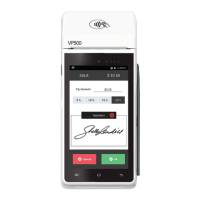
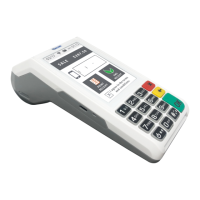
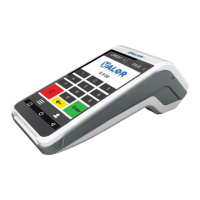
TRANSACTIONS
Overview of Transactions posted on Selected Date
SETTLEMENT
Perform a Batch Selement
PRE SALE
Create a Pre Sale Ticket
UPDATES
Perform a Parameter or Application Download on Terminal
PAYMENT
Perform Multiple Payment Types
REPORT
View Different Report Types
TIP ADJUST
Perform Tip Adjust on Open Batch Transactions
REPRINT RECEIPT
Reprint Last Transaction’s Receipt
REPRINT
Reprint Previous Transaction Receipts
SETTINGS
Configure Device Seings including WIFI, SIM, Passwords,
etc.
1. From the Home Screen, tap the Main Menu icon.
2. Tap Seings, then WiFi Config
3. Tap SSID
4. Enter WiFi Password
(Password is case sensitive)
5. Tap Connect
Connect to WiFi
Main Menu Options
Scan the QR Code with your
mobile device to search for
troubleshooting articles.
Visit Our
Knowledge Base
R1.07032024 | valorpaytech.com


 To Next Page