INSTRUCTIONS - TRIPOD
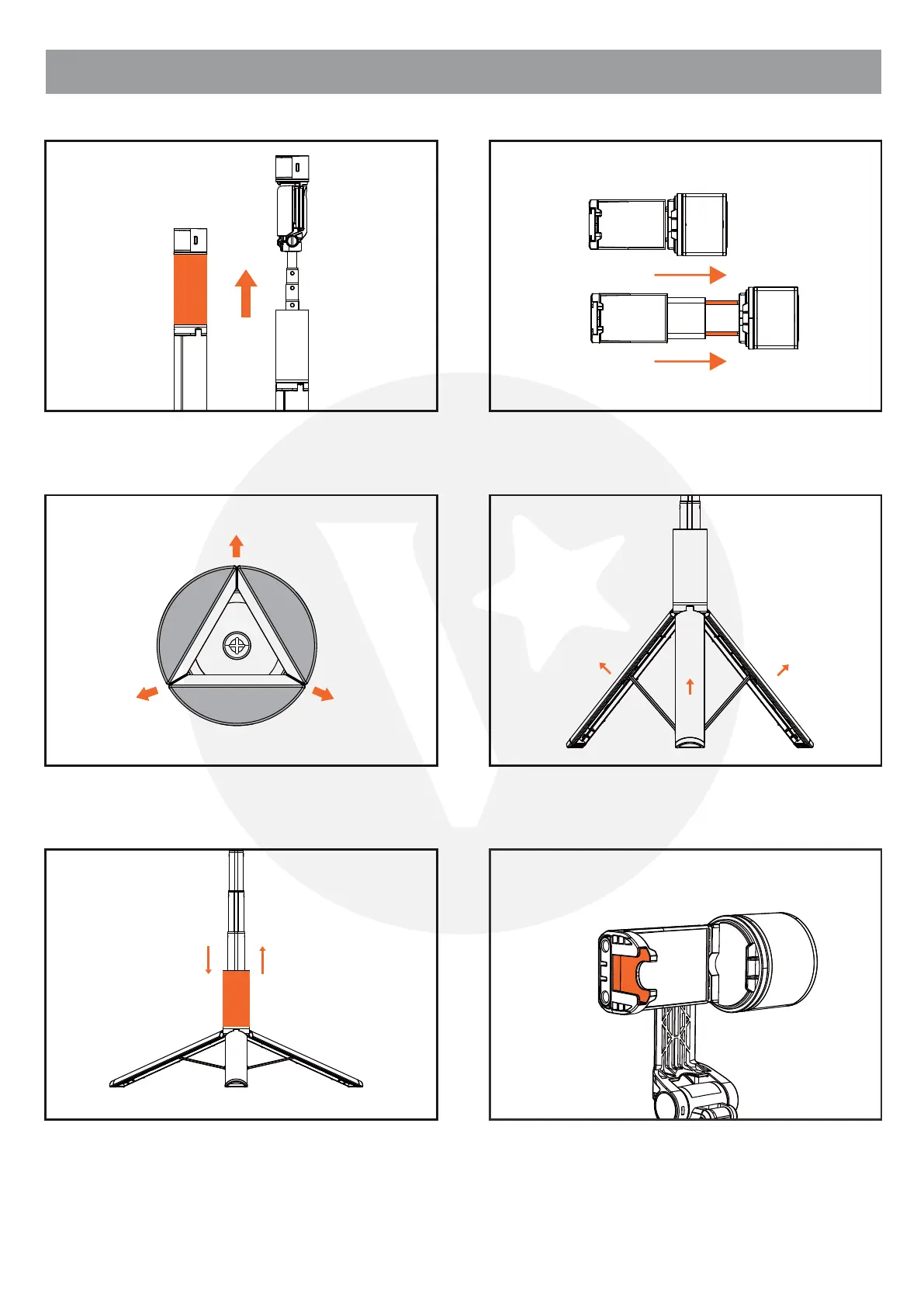
Hold the sliding case and pull upwards. Pull open the clamp to steady your phone.
Pull the tripod stand outwards from the bottom.
Pull the legs further outwards.
Hold the sliding case and pull it all the way
downwards to fully expand the tripod stand. To
fold the stand, hold the sliding case and pull it
upwards.
Cold shoe extension for fill light, microphone, etc.



 To Next Page