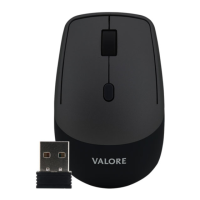
Thank you for purchasing the Valore Bluetooth Optical Mouse.
The integrated DPI button with 1000 DPI sensor delivers quick-response cursor control. The
elegant, compact design makes this a stylish addition to any work place.
Important: Please read the user manual thoroughly before using your Bluetooth optical
mouse.
Specifications:
• Model: V-AC8802
• Bluetooth Version: 3.0
• Wireless range: Up to 10 metres
• Battery type: 2 x AAA batteries (not included)
• Working time: 6 months
• DPI level: 1000/1200/1600
• Material: ABS
• Dimension (L x W x D): 108 × 57 × 26mm
• Weight: 56g
Package contents:
• Bluetooth optical mouse
UNDERSTANDING THE PRODUCT
① Scroll wheel ④ Bluetooth pairing button
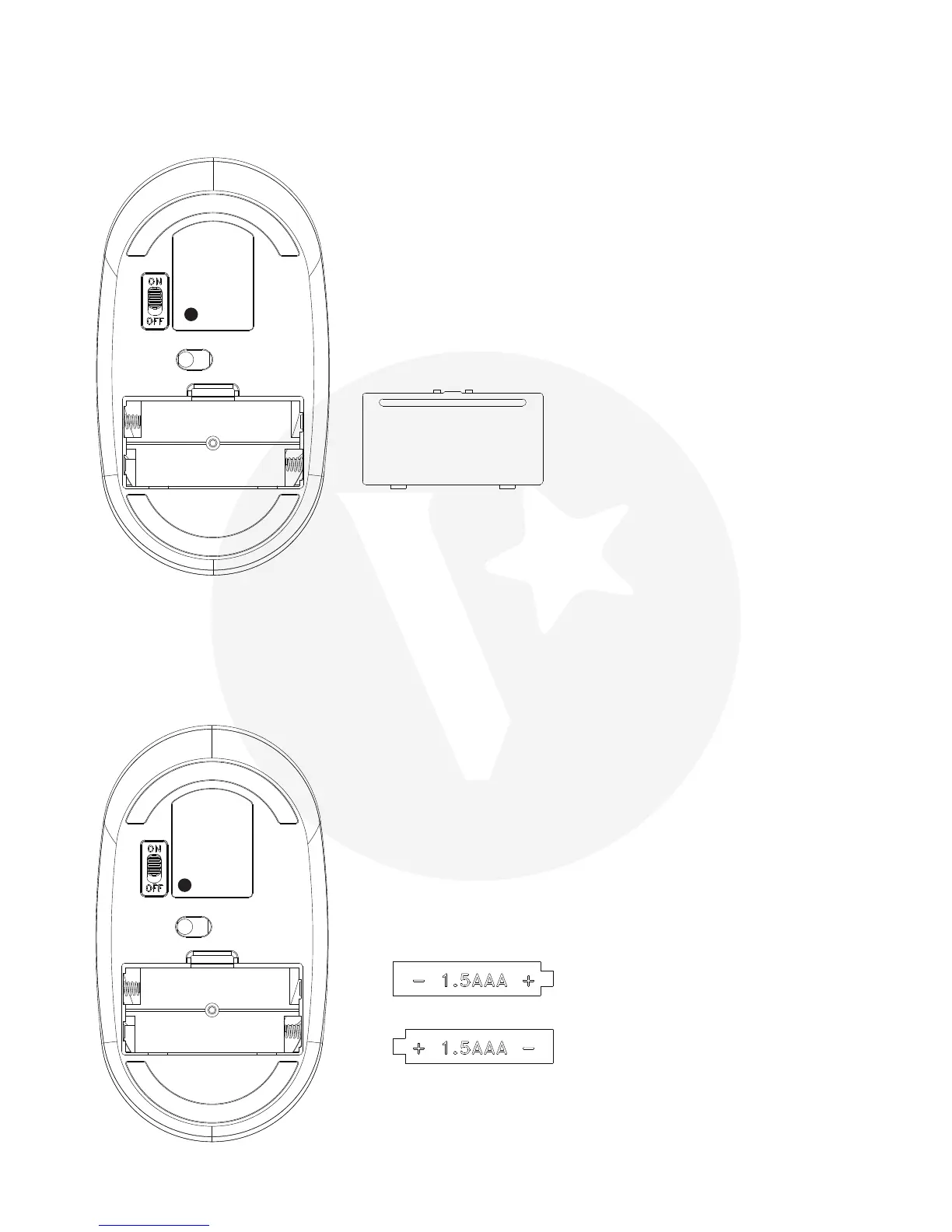
② DPI button ⑤ Battery compartment
③ On/Off switch ⑥ Battery cover
START USING THE MOUSE
Step 1
Remove the Battery cover.
Step 2
Insert 2xAAA batteries into the battery compartment, making sure the polarity is correct.



 To Next Page