10
Parameters Descriptions
Network Type Manual Setup: enter the IP, mask and gateway address distributed by
IP IP address
Mask Mask address
Gateway Gateway address
DNS Domain Name Server
Save Save network settings and get back
Cancel Cancel network settings and get back
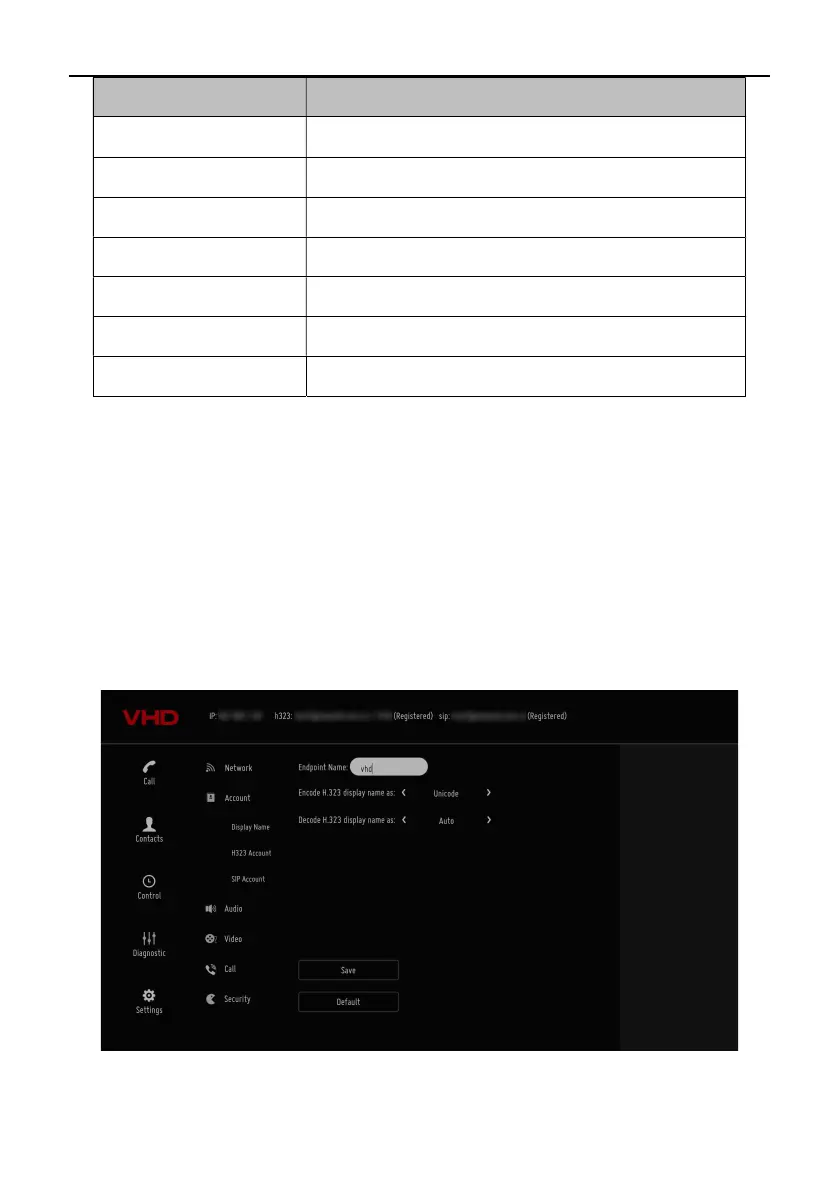
System Account Settings
1. Select “Settings” in the main menu and select “Account”.
Select “Display Name”, enter “System Name” and select “Save”.
H.323 account Settings (optional)
Set up the terminal’s H323ID and number. Specify GK address and get GK registered in order to use a set of
numbers to start conference calls or other communications.
1. Select “Settings” in the main menu and select “Account” for account setup.
2. Select “H.323 account” and confirm for further setup.



 To Next Page