5
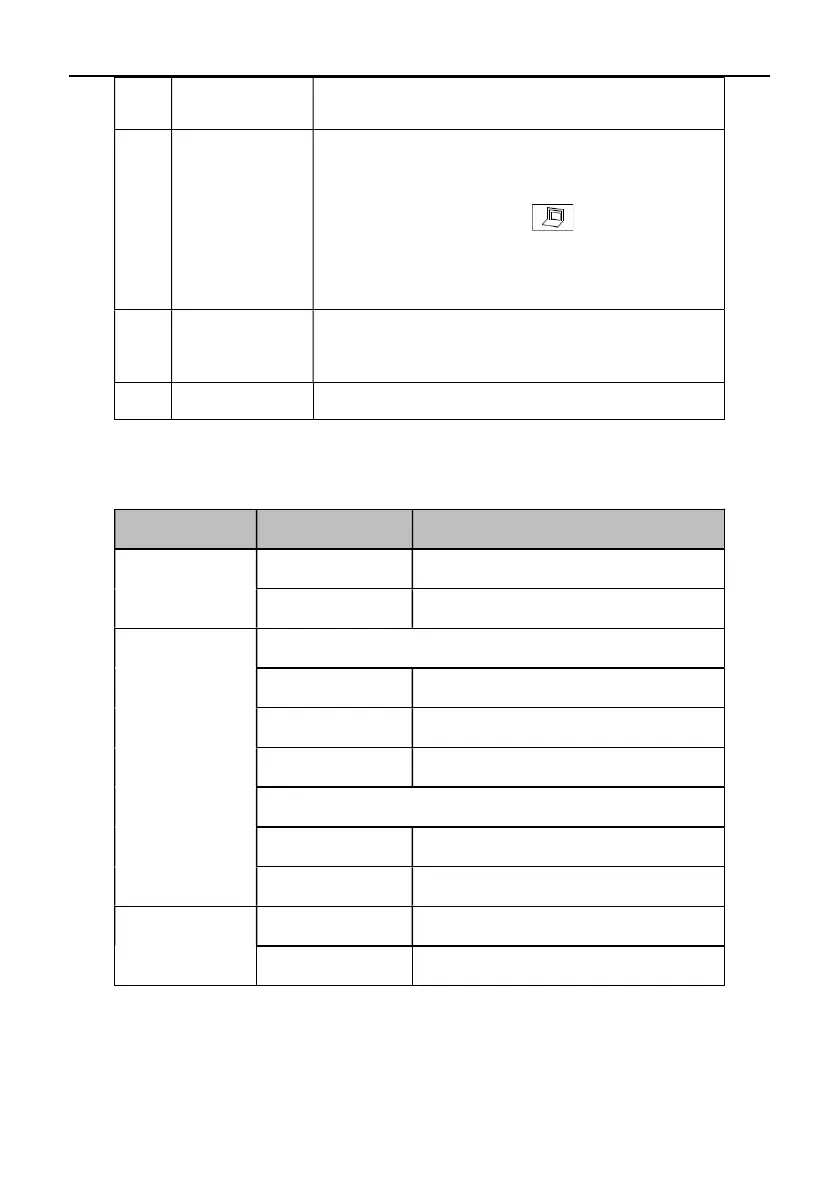
7 HDMI OUT2 Use HDMI cable to connect HD TV set to HDMI OUT2.
8 DVI-I IN
Connection to secondary video input device such as PC.
Use DVI cable to connect PC or secondary video source to
DVI-I IN input connector. Press button on the
remote control to send secondary video source to the
terminal.
9 NETWORK Use the network cable to connect the terminal to the
Internet.
10 DC+12V Connection to matched power supply adapter.
Parameters
Type Item Parameters
Electric Features
Work Voltage 100V AC~240V AC, 50Hz~60Hz; 12VDC
Power Consumption Max. Consumption: 24W
Environment
Requirement
Operating Status
Temperature
0℃~40℃
Humidity
10%~80%
Ambient Noise Less than 46dBA SPL
Standby or Power off Status
Temperature
-40℃~70℃
Humidity
0%~95%
Physical Features
Dimensions 239.4mm(W) × 148.4mm(H) × 157mm(D)
Weight 1.7kg



 To Next Page