ValueHD Corporation
33
Backlight: Set the backlight compensation,
Optional items: On, Off (Effective only in Auto
mode )
DRC:DRC strength, Optional items: 0 ~ 8.
Bright: Intensity control, Optional items:00~17.
(Effective only in Bright mode)
Anti-Flicker Flicker: Anti-flicker. Optional
items: Off,50Hz,60Hz (Effective only in Auto,
Bright mode)
Iris: Aperture value. Optional items: F1.8,
F2.0,F2.4,F2.8,F3.4,F4.0,F4.8,F5.6,F6.8,F8.0,F9.6,F
11.0,Close(Effective only in Manual, AAE mode)
Shutt.: Shutter value. Optional items: 1/30,1/60,
1/90,1/100,1/125,1/180,1/250,1/350,1/500,1/725,1/1
000,1/1500,1/2000,1/3000,1/4000,1/6000,1/10000
(Effective only in Manual, SAE mode)
3. COLOR
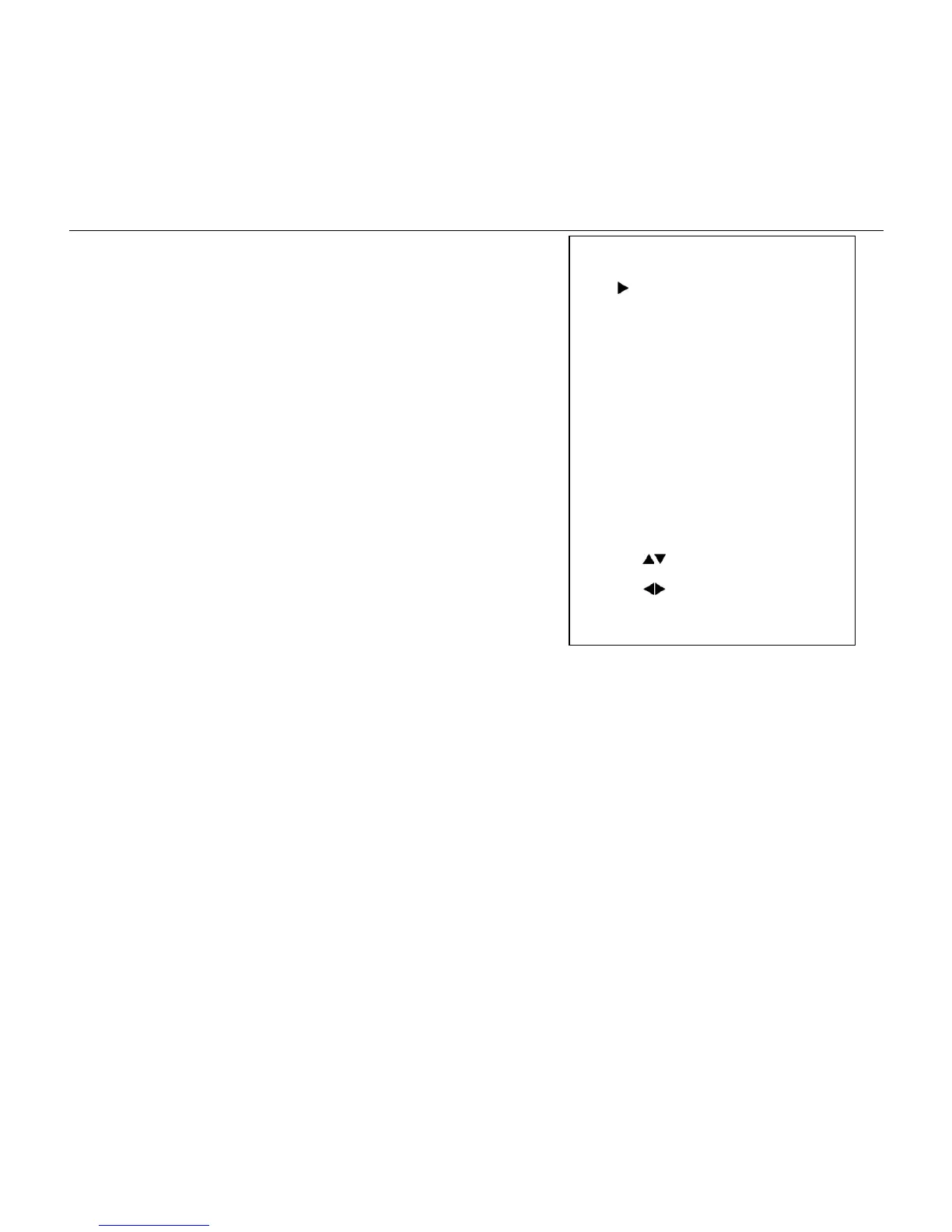
Move the cursor to the Color item in the main
menu and press [home] button, COLOR menu
appears, as shown in the following figure.
WB-Mode: White balance mode. Optional
items: Auto, Indoor, Outdoor, One Push(ok),Manual
RG: Red gain. Optional items: 0~255(Effective
only in Manual mode)
BG: Blue gain. Optional items:
0~255(Effective only in Manual mode)
RG Tuning: Red gain fine-tuning, Optional
items: -10~10(Effective only in Auto, Indoor,
Outdoor mode)
BG Tuning :Blue gain fine-tuning, Optional
items: -10~10(Effective only in Auto, Indoor,
Outdoor mode)


 To Next Page