ValueHD Corporation
63
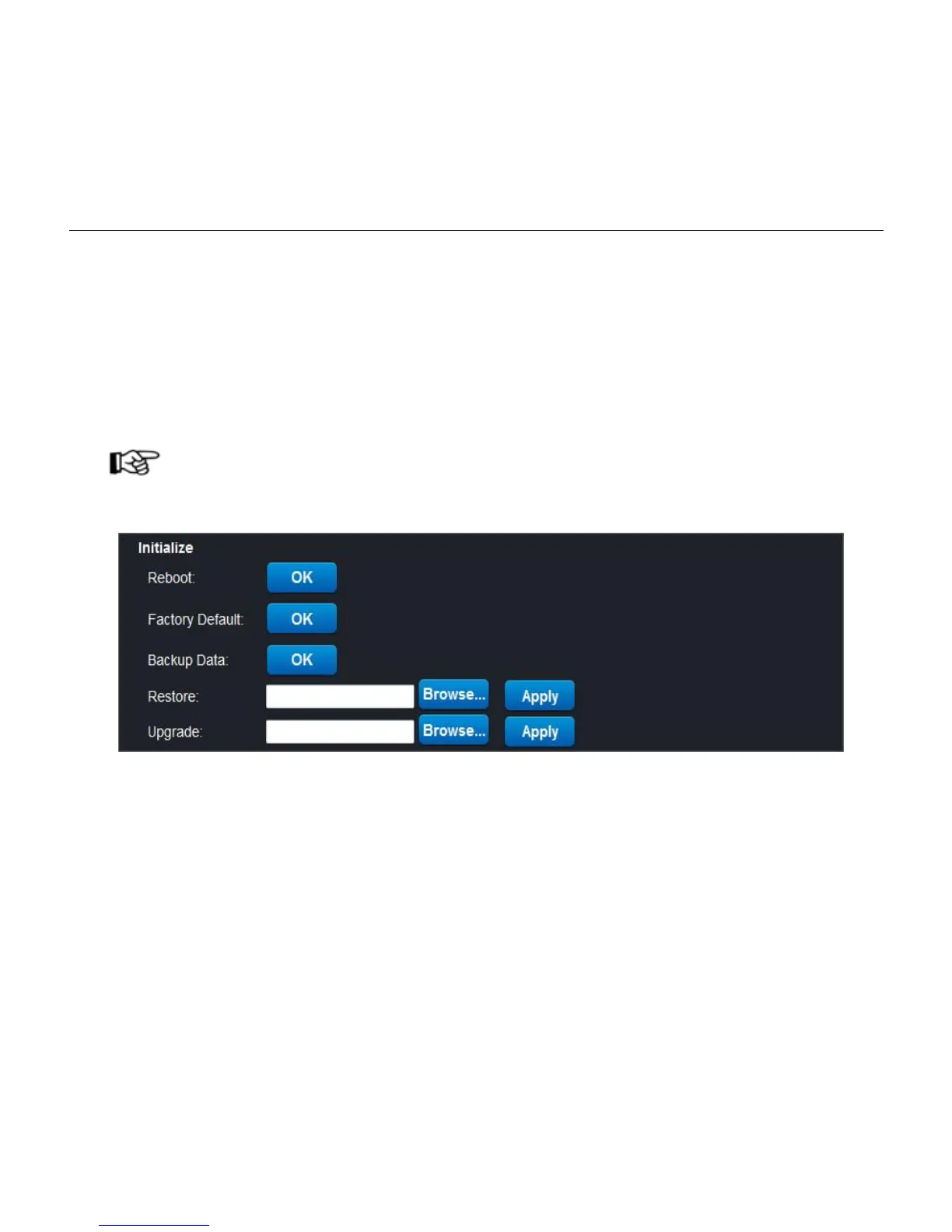
1) Reboot: click "OK" button, the device will reboot.
2) Factory Default: click "OK" button, the setting will be restored to the factory default settings, and
restart.
3) Backup data: click the "OK" button, the system will save all current settings.
4) Restore: "browse" for saving the settings file, click "Apply", you can restore all settings.
5) Upgrade: "browse" for updating the firmware file, click "Apply", the device can be updated through
the network, after the upgrading, the system restore to factory defaults.
Note!
Upgrading takes a long time, please wait patiently until the pop-up dialog box states the upgrading succeed.
5.4 Device Info
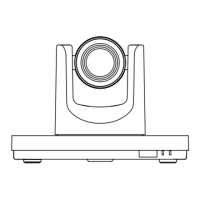
Current device displayed as below:


 To Next Page