12
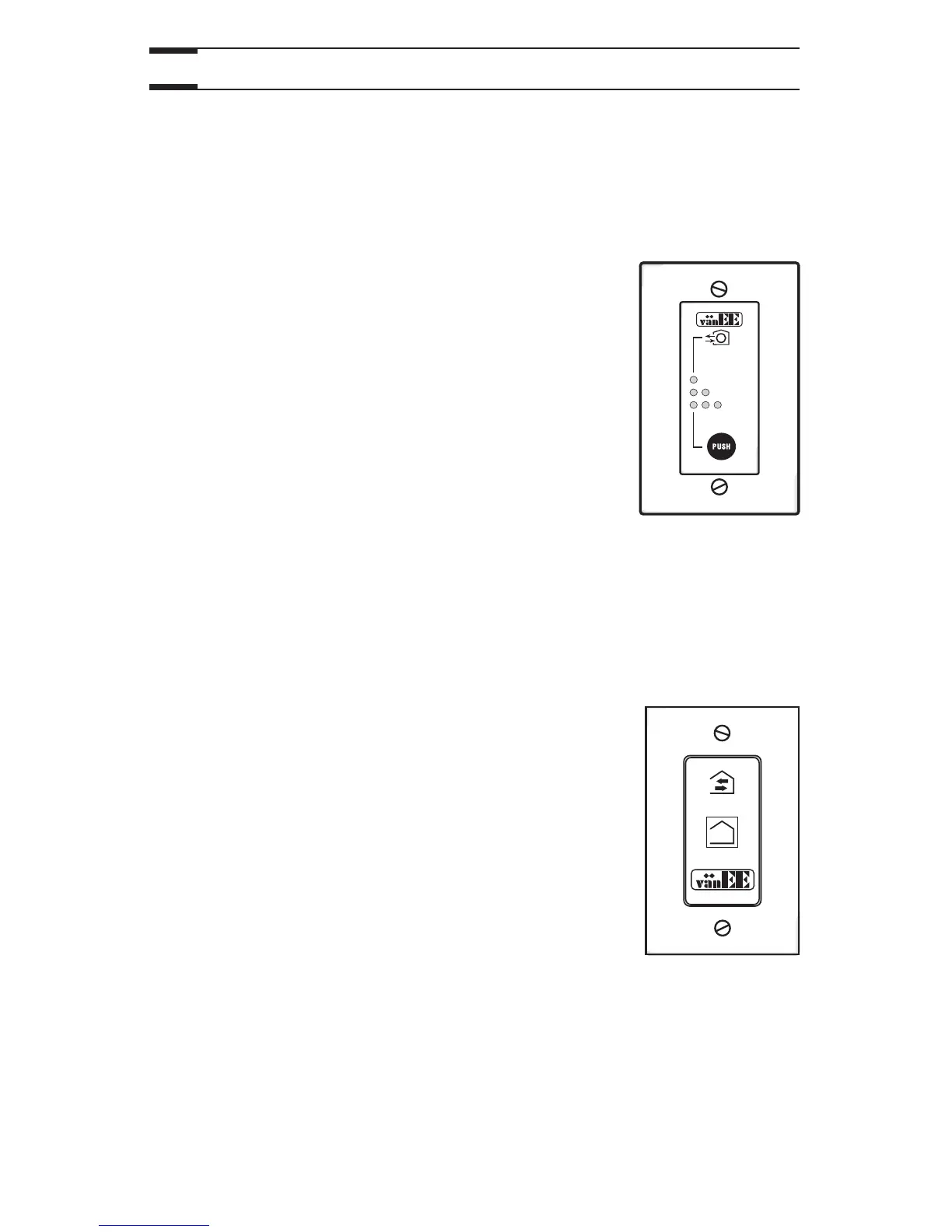
Press once to activate the push button. The unit will
operate on high speed for 20 minutes and the
indicator will light up. To stop activation before the end
of the 20-minute cycle, push one more time. The unit
will get back to its previous setting.
2.3.2 20-minute lighted push button (90H-V only)
2.
Controls (cont’d)
Contrary to the main controls, up to 5 optional auxiliary controls can be connected
to the same ventilation unit.
Location: Located in the bathroom or in other locations
where there is temporary humidity excess
or pollutants.
Purpose: To eliminate excess humidity produced by
showers or other periodic activities producing
pollutants.
Within 2 seconds, push one time for 20 minutes, two
times for 40 minutes or three times for a 60-minute
activation.
Results expected:
1. Motor speed: high for 20, 40 or 60 minutes.
2. Indicator light goes “ON” and flashes every
5 seconds (one time to indicate a 20-minute operation, two times for a
40-minute, and three times for a 60-minute operation).
3. Air exchange indicator light goes “ON”.
NOTE: To stop activation, push one more time.



 To Next Page