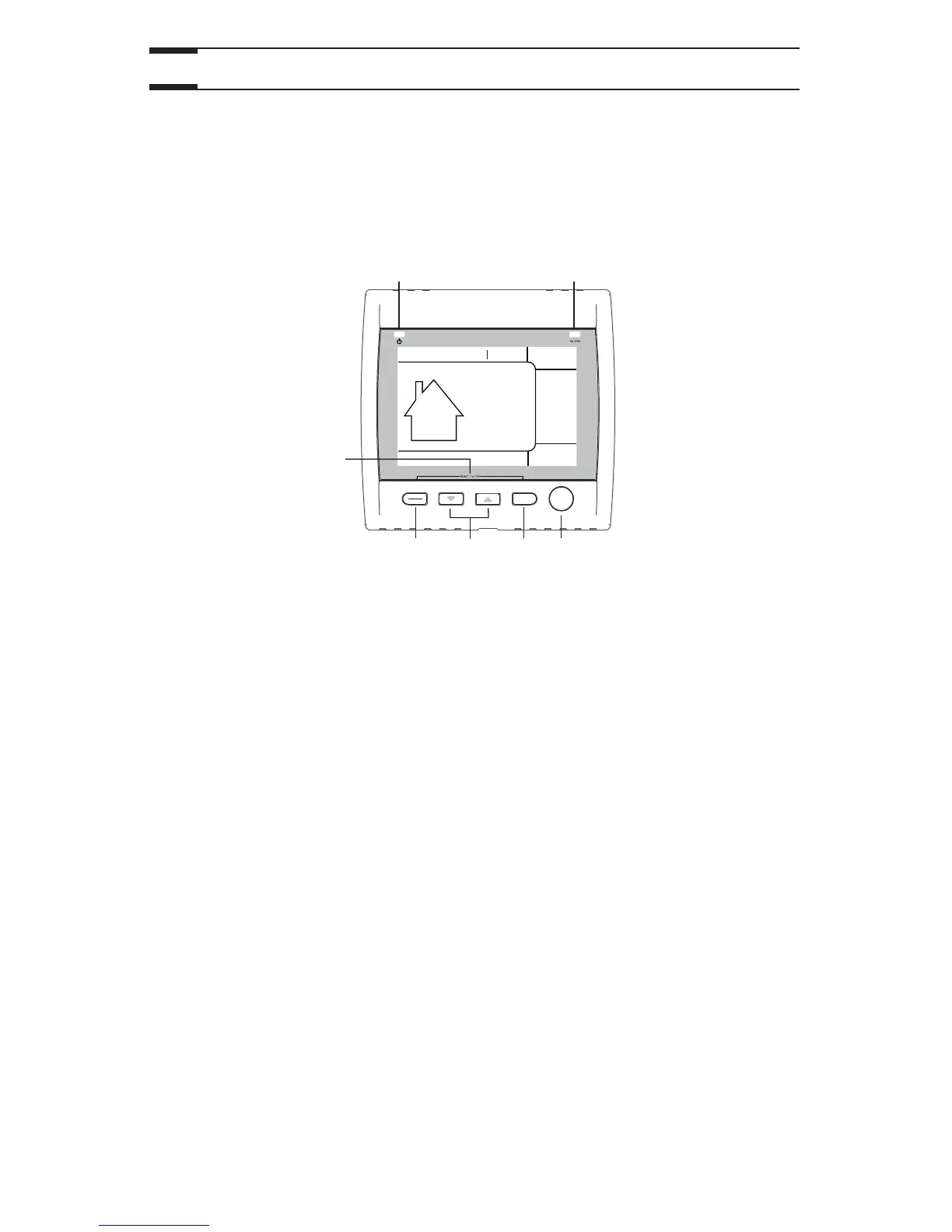
C B A
G
E
F
D
A SMART key: Enables and disables the SMART mode.
B Set key: • Press 3 seconds to access setting periods for
Program mode.
• Confirms the chosen option and goes to following setting.
C Arrow keys: • Adjust ventilation and recirculation speeds.
• Allows to review the program’s period.
• Adjust Preference and Program values.
D Mode / Pref. key: • Mode: Selects whether Ventilation, Recirculation or
Program mode.
• pref.: Push 3 seconds to access Preference settings.
E Reset filter keys: Press on B and D keys simultaneously for 5 seconds
to turn off (reset) the filter maintenance indicator.
F Power indicator: Illuminates when the control is operating.
G Filter maintenance Perform filters maintenance. (Refer to Section 3
indicator: Maintenance).
2.2 Main Controls (cont’d)
2.
Controls (cont’d)
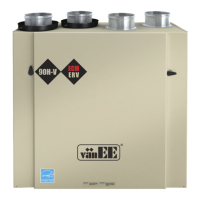
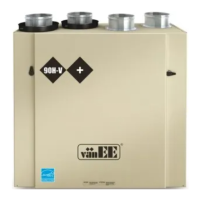
2.2.1 Platinum Main Control (HRV 90H-V ECM and
60H Novo+ only) (cont’d)
CASING INDICATORS AND KEYS



 To Next Page