12
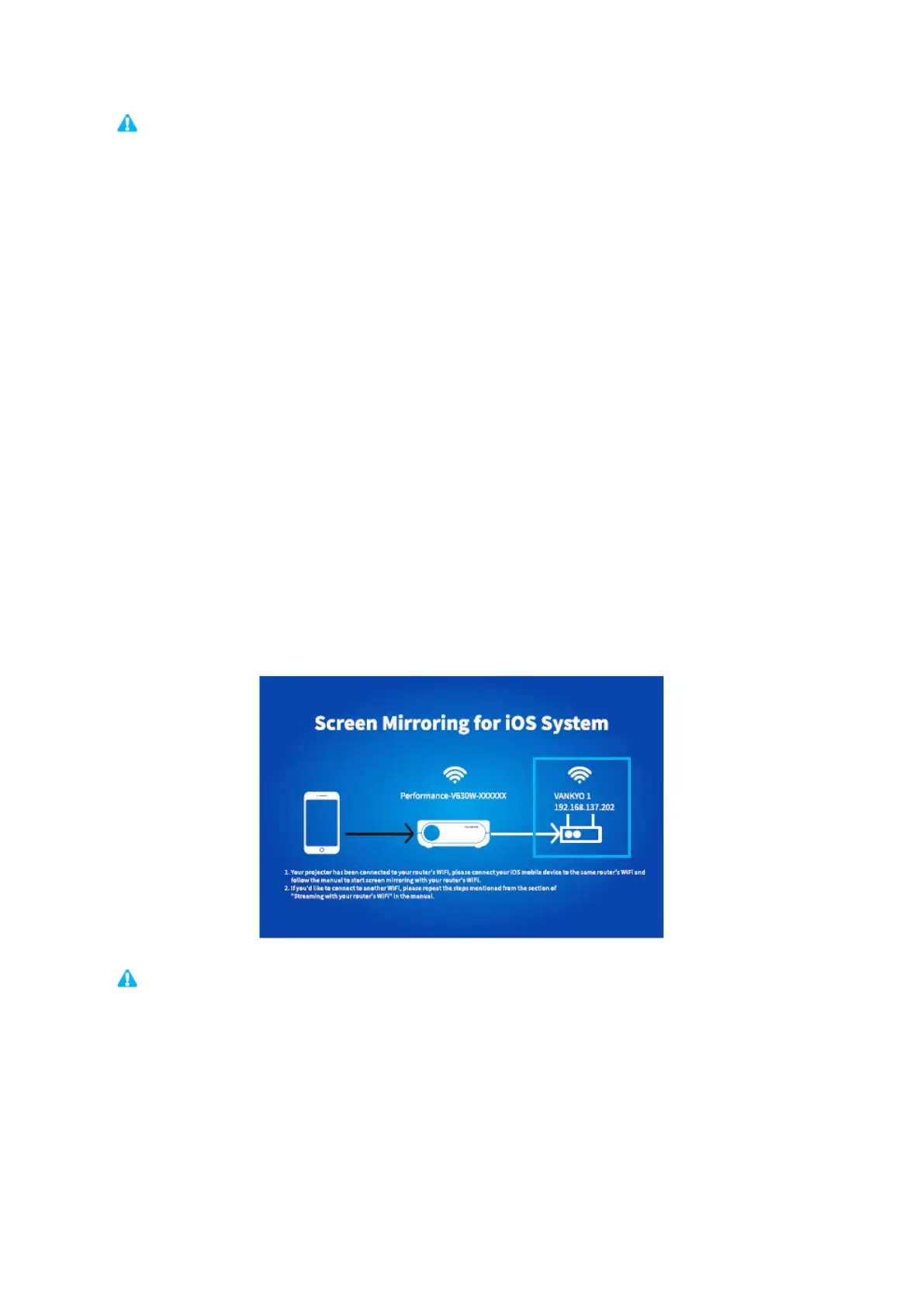
1) The fluency of screen mirroring with wireless connection will be affected by the
network environment. A bandwidth of 100Mbit or more is recommended when using
screen mirroring.
2) Make sure your mobile device is close to the projector when using wireless
connection. A distance within 1 meter is recommended.
3) Some mobile devices may not support mirroring due to the compatibility.
4) If the projected image freezes when you switch the screen mirroring interfaces, please
long press OK button for 5 seconds on the projector / remote to a do a reset, and the
reset process will complete in 2 minutes, please wait patiently.
* Upgrade the Firmware Version of Screen Mirroring
When there is a newer version, you will see Discover new firmware… on the projected
screen, please press OK button on the projector/remote and follow the steps to upgrade
the firmware version of screen mirroring as needed.
1) Make sure the projector is connected to WIFI and DO NOT power off during updating.
2) It takes around 6-8 minutes for the update completes, please wait patiently.
3) The projector will automatically reboot once the upgrade is completed.














 To Next Page