Table of Contents
1
Table of Contents:
1. Introduction ...................................................................................................................................... pg. 2
2. Specifications/Features
NexStar 3 External 2.5” HDD Enclosure ............................................................................... pg. 3
3. System Requirements .................................................................................................................... pg. 4
4. Parts Layout
NexStar 3 External 2.5” HDD Enclosure ................................................................................. pg. 5
5. Installation
NexStar 3 External 2.5” HDD Enclosure
5.1. Hardware Installation .................................................................................................... pg. 6
5.2. Driver Installation ............................................................................................................ pg. 8
6. Disconnecting the NexStar 3
NexStar 3 External 2.5” HDD Enclosure ................................................................................ pg. 10
7. Creating A New Partition .............................................................................................................. pg. 11
8. Troubleshooting/FAQ
NexStar 3 External 2.5” HDD Enclosure .............................................................................. pg. 14
9. Warranty ............................................................................................................................................. pg. 16
10. Contact ............................................................................................................................................. pg. 16


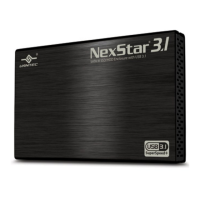
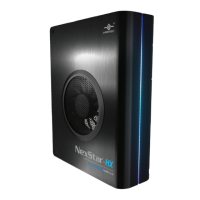

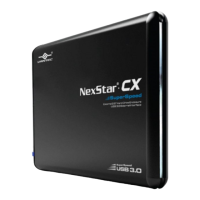
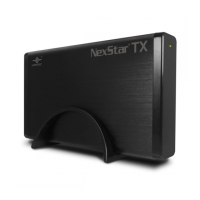



 To Next Page