Installation
11
5. Driver Installation:
Mac OS 9.0 or later
1) No drivers are necessary when using Mac OS 9.0 or later. If the hard drive does
not appear on the desktop, be sure to partition your hard drive.
Mac OS 8.6
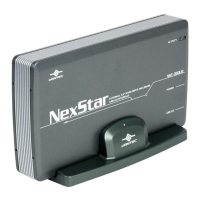
1) Unplug the NexStar 3 if you currently have it connected.
2) USB Mass Storage Support 1.3.5 must be installed on your system. If it is not,
you can download the USB Mass Storage Support 1.3.5 from the Apple
Software Updates website: http://www.apple.com/support
3) Follow the direction associated with the USB Mass Storage Support driver to install.
4) Repeat the steps listed under “Connecting the NexStar 3 to your computer.”







 To Next Page