10
Media Gallery
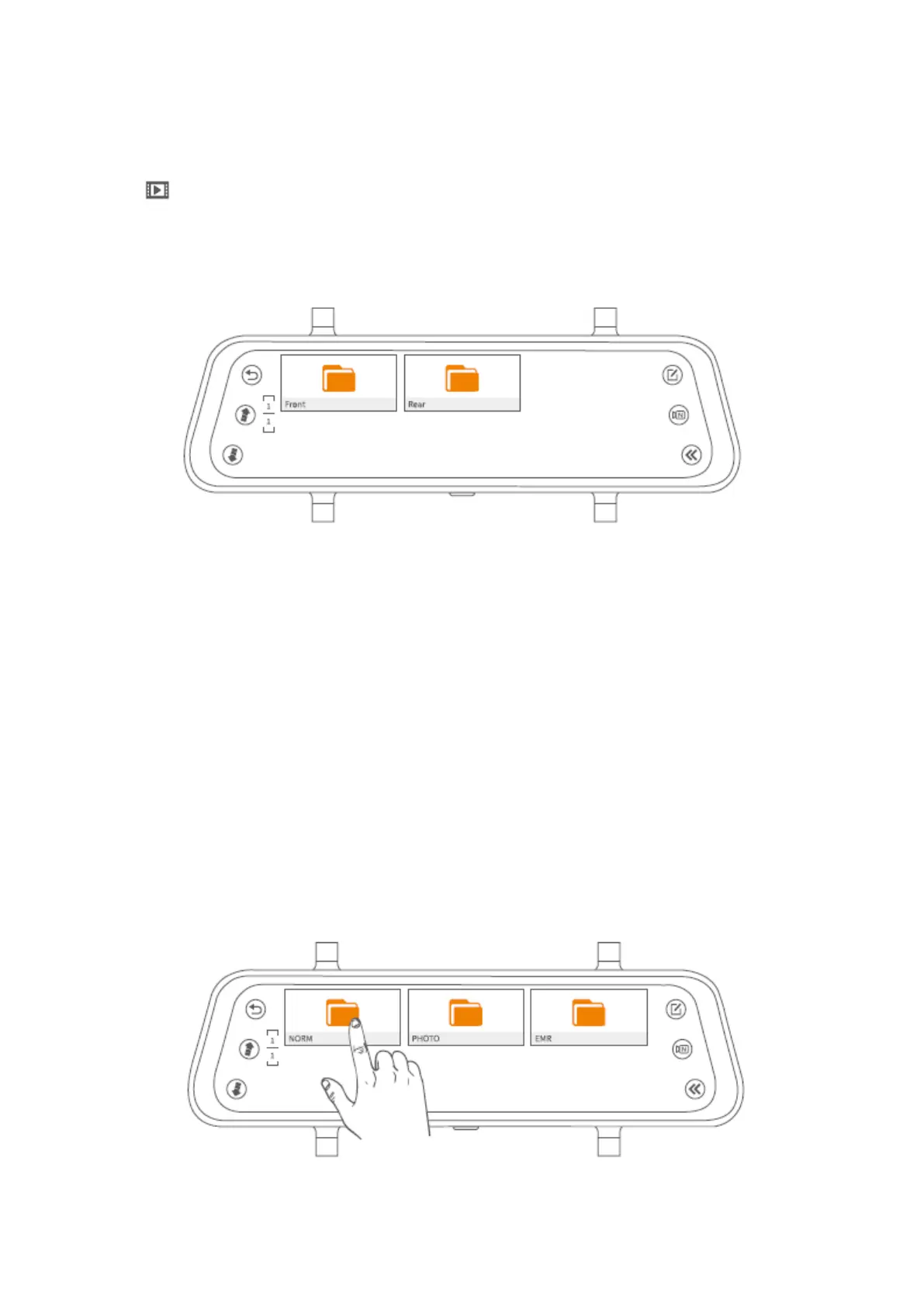
Tap to enter Media Gallery and you will see two folders named Front and Rear. Front
folder contains the videos recorded and photos captured by the front camera; while the
Rear folder contains the videos recorded and photos captured by the rear camera.
Check the Videos Recorded and Photos Captured by the Front/Rear Camera
Check the Normal Videos Recorded by the Front/Rear camera
Step 1:
Tap to select the Front/Rear folder to check all the normal videos recorded by the
Front/rear camera.
Step 2:
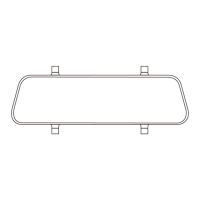
Tap NORM folder to check the normal video files.


 To Next Page