11
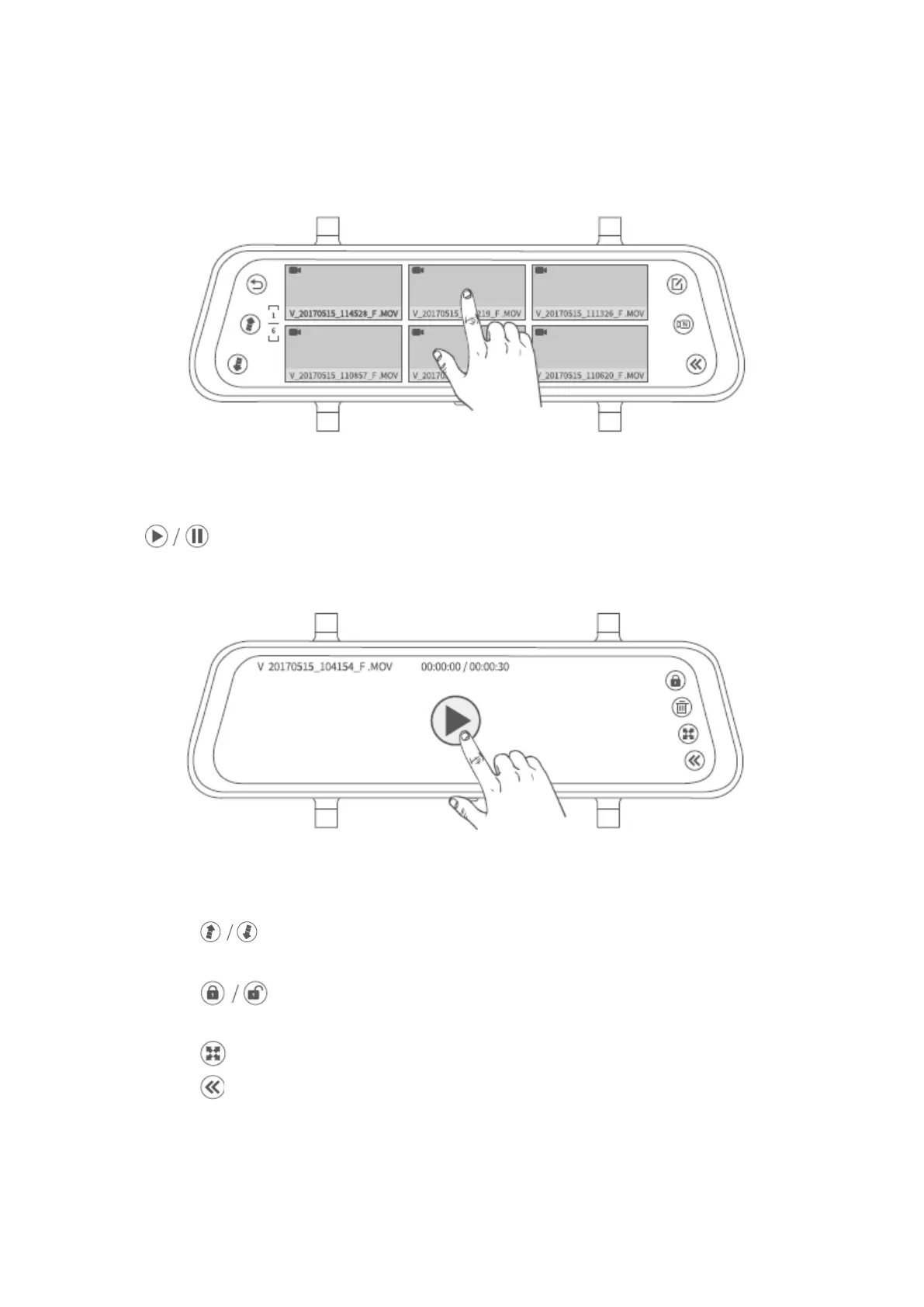
Step 3:
Select one video from the thumbnails.
Step 4:
Tap to play/pause the video file.
Tips:
1. Tap to move the previous/next page to view all the normal video files
with the format of thumbnails.
2. Tap on the top right corner to manually lock/unlock the current video
file.
3. Tap to switch the ratio of the file.
4. Tap to return to the previous interface.


 To Next Page