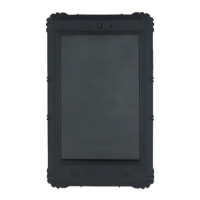
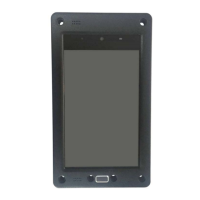
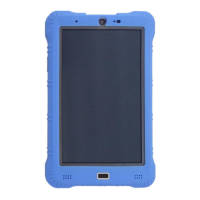
VT-TABLET-5081
13/ 18
3.4 Dimension
Whole device Size: 235× 153 × 21mm
3.5 Buttons
Power/Sleep/Wake button
When you are not using Tablet, you can lock it to turn off the display and
save the battery.
Lock tablet: Press the Power/Sleep/Wake button.
Unlock tablet: Press the Power/Sleep/Wake button, then drag the slider.
Turn tablet off: Press and hold the Power/Sleep/Wake button greater than
6 seconds.
Turn tablet on: Press and hold the Power/Sleep/Wake button until logo
appears.
Volume buttons
You can use volume up or volume down to adjust the audio volume.
Never apply excessive pressure to a button, because this may
cause damage that is not covered under the warranty.
3.6 LED
Status LED
Green: solid green indicated the adapter is present and the battery
charging termination.
Yellow: solid yellow indicated the battery is charging.
Red: solid red indicated the battery capacity less than 10%.


 To Next Page