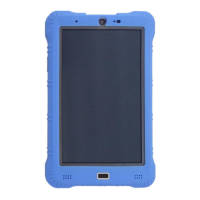
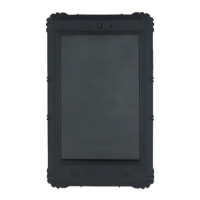
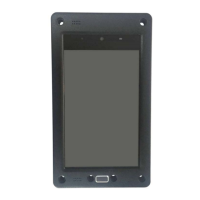
2.3 Buttons
Power Button
Power off the device and on/off the screen.
Volume buttons
You can use volume up and down buttons to adjust the volume and use the down button
to download the software.
Never apply excessive pressure to a button, or you may cause damage which
is not covered under the warranty.
2.4 Interface Description
2.4.1 USB OTG (Type C)
With a standard Type C USB 2.0 port, customers can connect the tablet to the host (for
example a PC), and manage the tablet as other Android devices. If the tablet is
connected through a USB OTG cable, it can work as a host and operate connected
devices.
2.4.2 Audio Jack
A headphone can be connected to the tablet through the standard audio jack so that we
can better experience music and free from distractions.



 To Next Page