5.2K+1440P30FPS
00:00:37
652024/10/3014:09:07
MP/H
---speech recognition
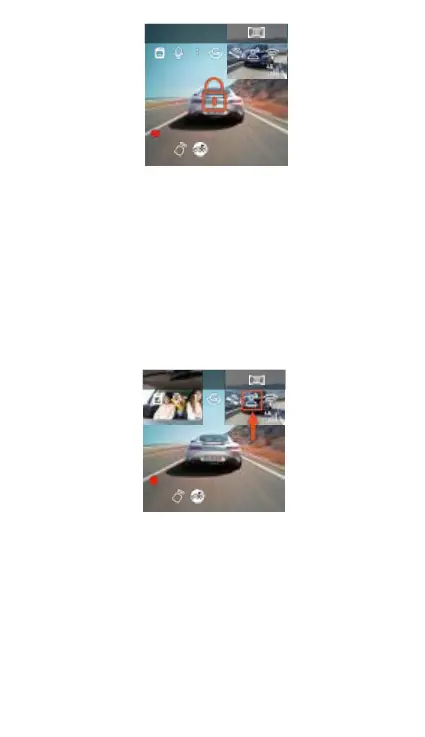
Through the language recognition function, users can
give voice commands to the recorder, such as
capturing pictures, starting recording video, turning
on / off WiFi, video locking, and so on. At present,
the supported languages are English, Japanese,
Russian and Chinese. For more detailed voice
instructions, please see System Settings> Voice
content
5.2K +1440P 30 FPS
00:00:37
652024/10/3014:09:07
MP/H
* Voice recognition has options of low sensitivity /
standard / high sensitivity / off, default to standard
sensitivity, and the user can remotely control the
recorder through voice commands.
---GPS function
The GPS is open by default and receives the GPS
signals through the GPS scaffold. It can automatically



 To Next Page