-28-
Mode 1: collision detection
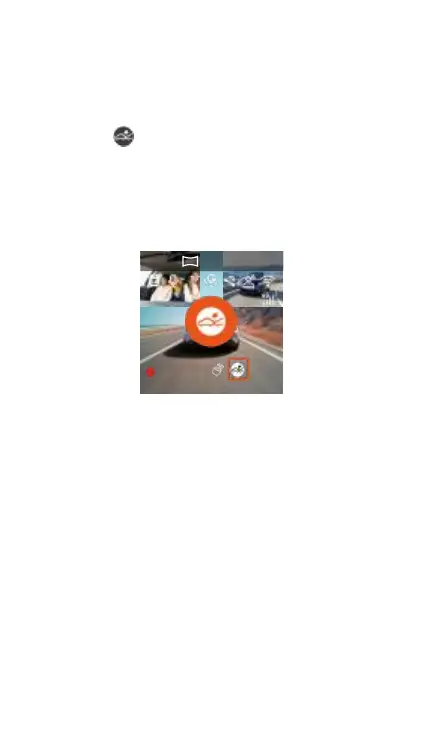
When the collision detection is opened, the collision
detection icon will be displayed on the video screen,
indicating that the current recorder is on the collision
detection mode. After entering the collision
detection,
After the recorder receives the vibration, it will trigger
the video for 1 minute and save the file to the parking
video folder, where the user can pass the Vantrue APP
or
Vantrue Computer player playback.
2024 /10 /3014:09:07 MP/ H
Mode 2: Mobile detection
When the mobile detection is opened, the mobile
detection icon is displayed on the video recording
interface, indicating that the recorder is currently
open in the mobile detection mode.
After entering the mobile detection, once an object is
found within the detection range, the video will be
triggered for 30 seconds, and the 10 seconds before
the trigger video will be retained to form a 40
seconds of mobile detection video, saved in the
parking video folder.



 To Next Page