Settings 1: detect the lens settings
After opening any parking monitoring mode, all
lenses can be detected by default. Users can adjust
different lens combinations for parking monitoring
and detection according to different scenes.
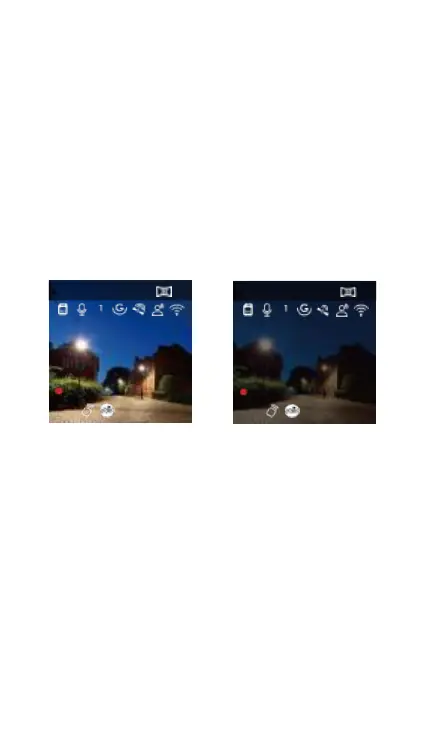
Set 2: Parking light night vision
In order to enhance the safety of parking at night,
we make full use of the lens performance and the
low-light night vision technology to improve the
night vision effect in the parking mode. This function
is open mode by default, only into the parking mode
will be triggered will not affect the normal video.
5.2K +1440P 30 FPS
00:00:37
652024/10/3014:09:07
MP/H
Turn on parking light night vision and turn off
parking light night vision
Set 3: Stop collision detection
This function can adjust the start mode of collision
detection, the power saving mode recorder will turn
down and start the video after triggering; the quick
start mode recorder will be in standby mode
Where, immediately after the trigger began recording.
5.2K +1440P 30 FPS
00:00:37
652024/10/3014:09:07
MP/H



 To Next Page