20
Basic Operation
Menu Settings
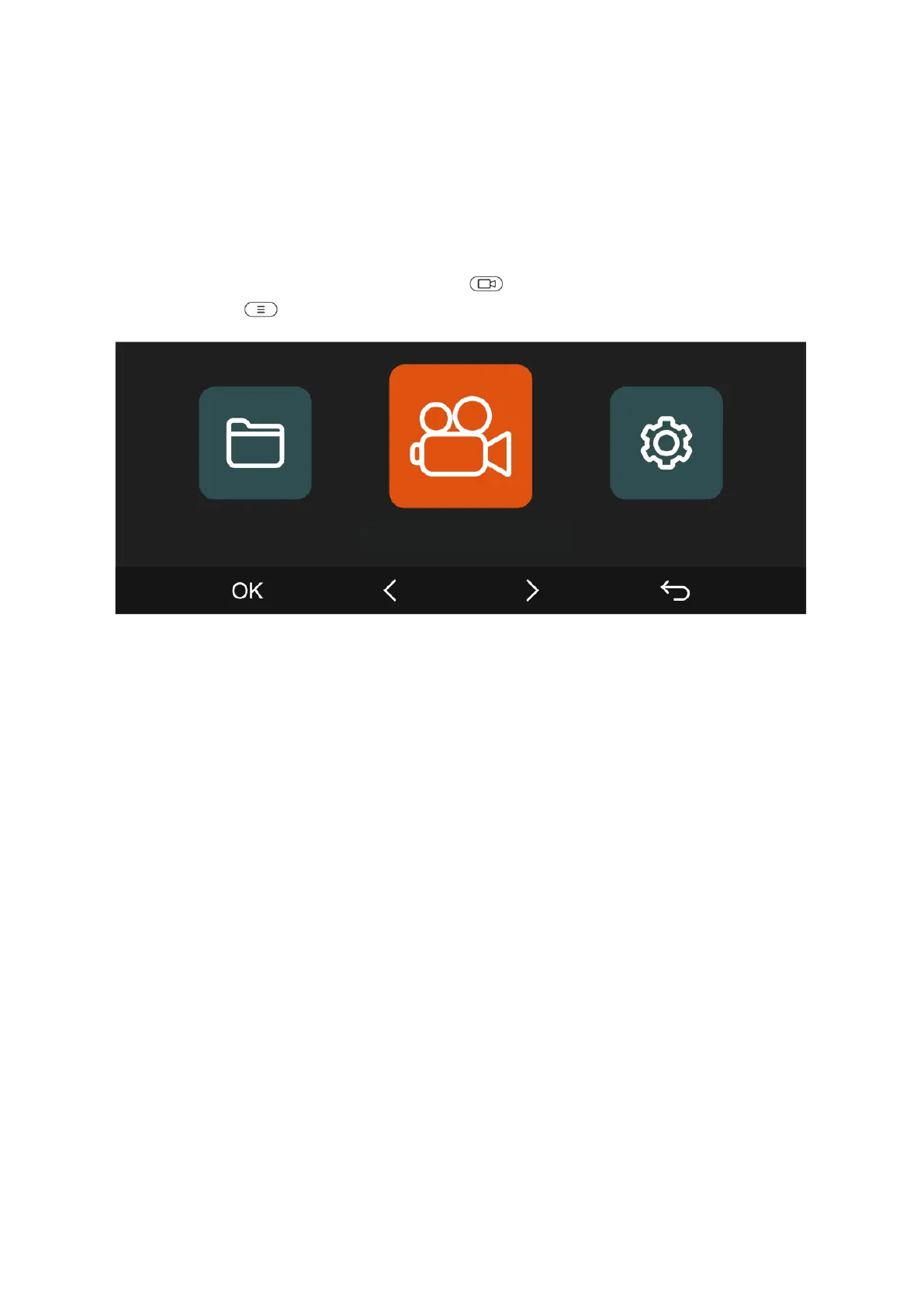
The N5 dash cam offers three functional menus: Record Settings, System Settings, and
File Browsing. Customize your dash cam with these settings to suit your needs. To
access the menu settings, press the Camera ( ) Button to pause the recording, then
press the Menu ( ) Button.
Record Setup
A. Resolution: The N5 camera offers four resolution modes:
• For Front + Front Cabin + Rear Cabin + Rear Recording:
• 1944P+1080P+1080P+1080P at 30 FPS
• 1440P+1080P+1080P+1080P at 30 FPS
• For Front + Front Cabin + Rear Recording:
• 1440P+720P+720P at 30 FPS
• 1080P+1080P+1080P at 30 FPS
• 1080P+720P+720P at 30 FPS
• 720P+720P+720P at 30 FPS
• For Front + Front Cabin Recording:
• 1944P+1080P at 30 FPS
• 1440P+1080P at 30 FPS
• 1440P+720P at 30 FPS
• 1080P+1080P at 30 FPS
• 1080P+720P at 30 FPS
• 720P+720P at 30 FPS



 To Next Page