26
2. Event Recording
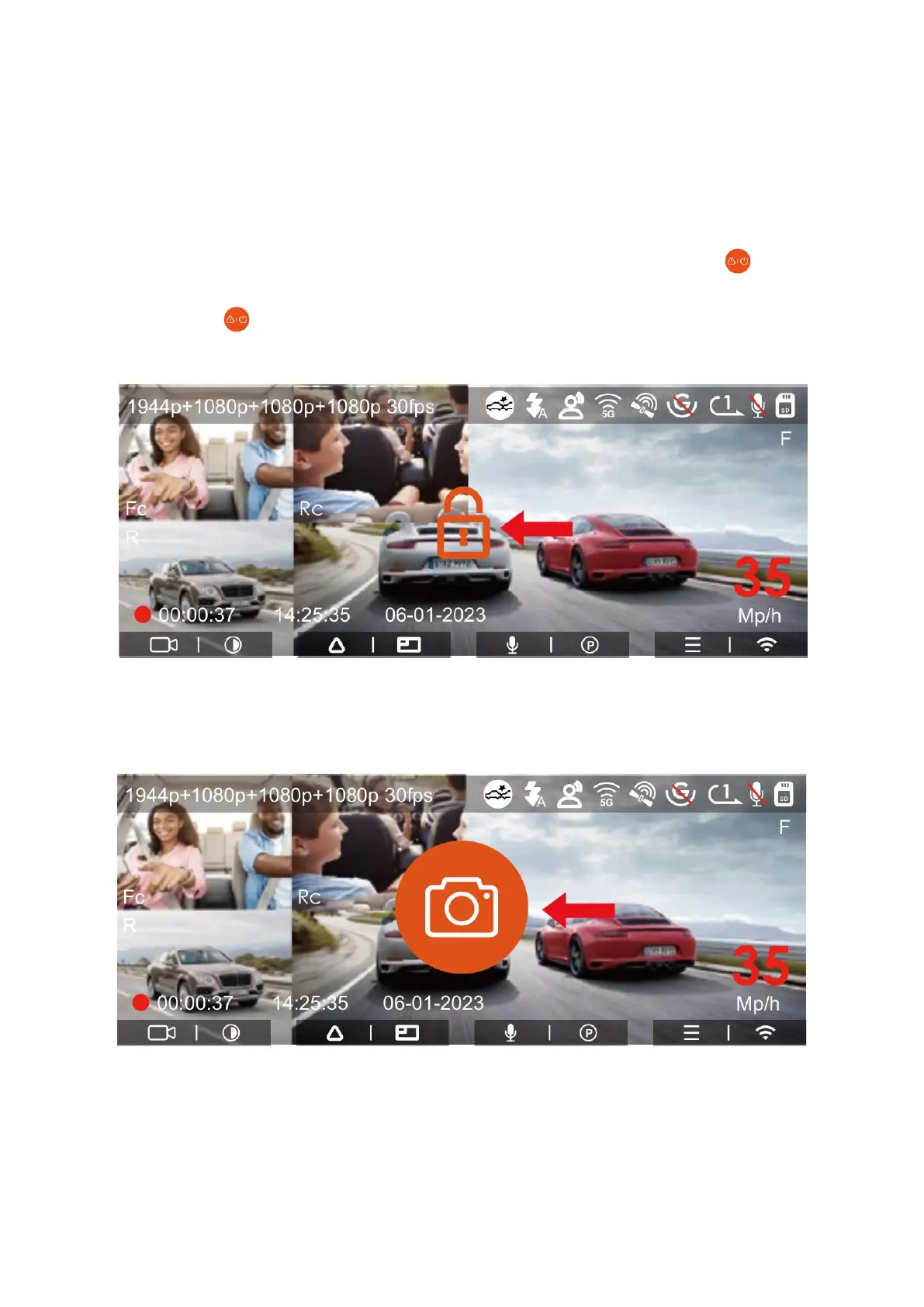
Event recording on the dash cam is activated by the G-sensor, also known as the Gravity
Sensor. This feature can either automatically trigger recording when it detects sudden
movements or impacts, or you can manually start event recording. While driving, if the
camera detects an extraordinary event, it will secure the current recording. You also
have the option to manually lock the recording by pressing the power button . If you
need to take multiple snapshots during this event-locked period, you can press the
power button repeatedly. Once the recording is secured, the video is saved in the
event video folder, and any snapshots taken are stored in the photo folder.
Additionally, event videos can be set to automatically lock if the car experiences a
collision or significant jolt, ensuring the current recording is preserved in the event video
folder.



 To Next Page