29
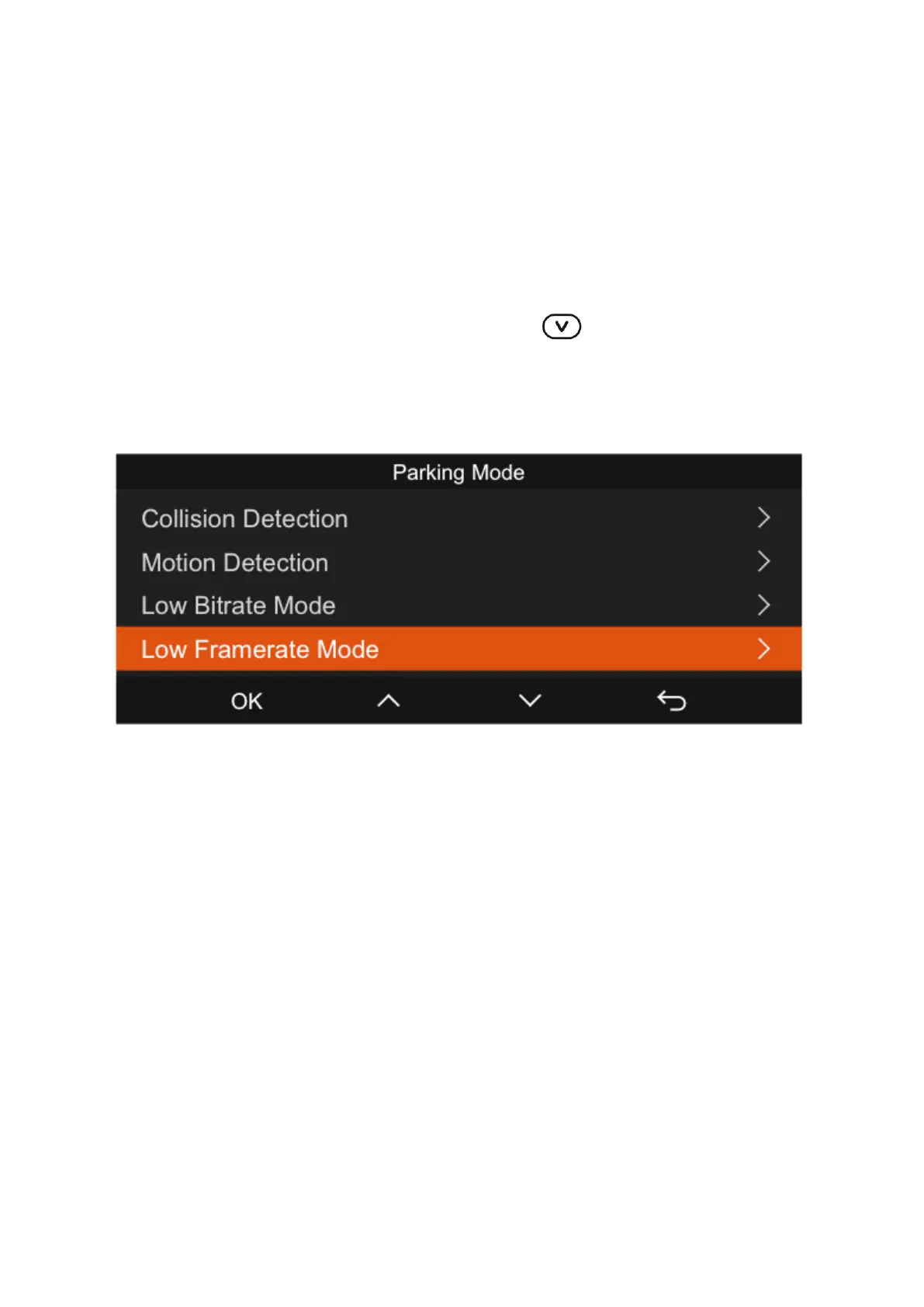
5. Parking Mode
The Parking Mode on the dash cam acts as a guardian, monitoring your vehicle in
various parking scenarios. You can tailor the parking mode by choosing from different
monitoring options to suit the specific conditions in which you've parked your vehicle.
Upon activation of parking mode, you have three methods to commence recording:
1. Simply wait for 5 minutes, and the recording will start automatically.
2. For immediate recording, long-press the down button.
3. By installing the ACC hardwire kit, the dash cam will enter parking mode directly
as soon as the car's engine is turned off. Note that the ACC hardwire kit is sold
separately.
Once parking mode is activated on the dash cam, there are three methods to initiate
recording:
1. Allow the dash cam to start recording on its own after a 5-minute delay.
2. Press and hold the checkmark button to start recording immediately.
3. Connect the dash cam using the ACC hardwire kit for it to automatically enter
parking mode when the vehicle’s engine is turned off. Note that this kit is an
additional purchase.



 To Next Page