36
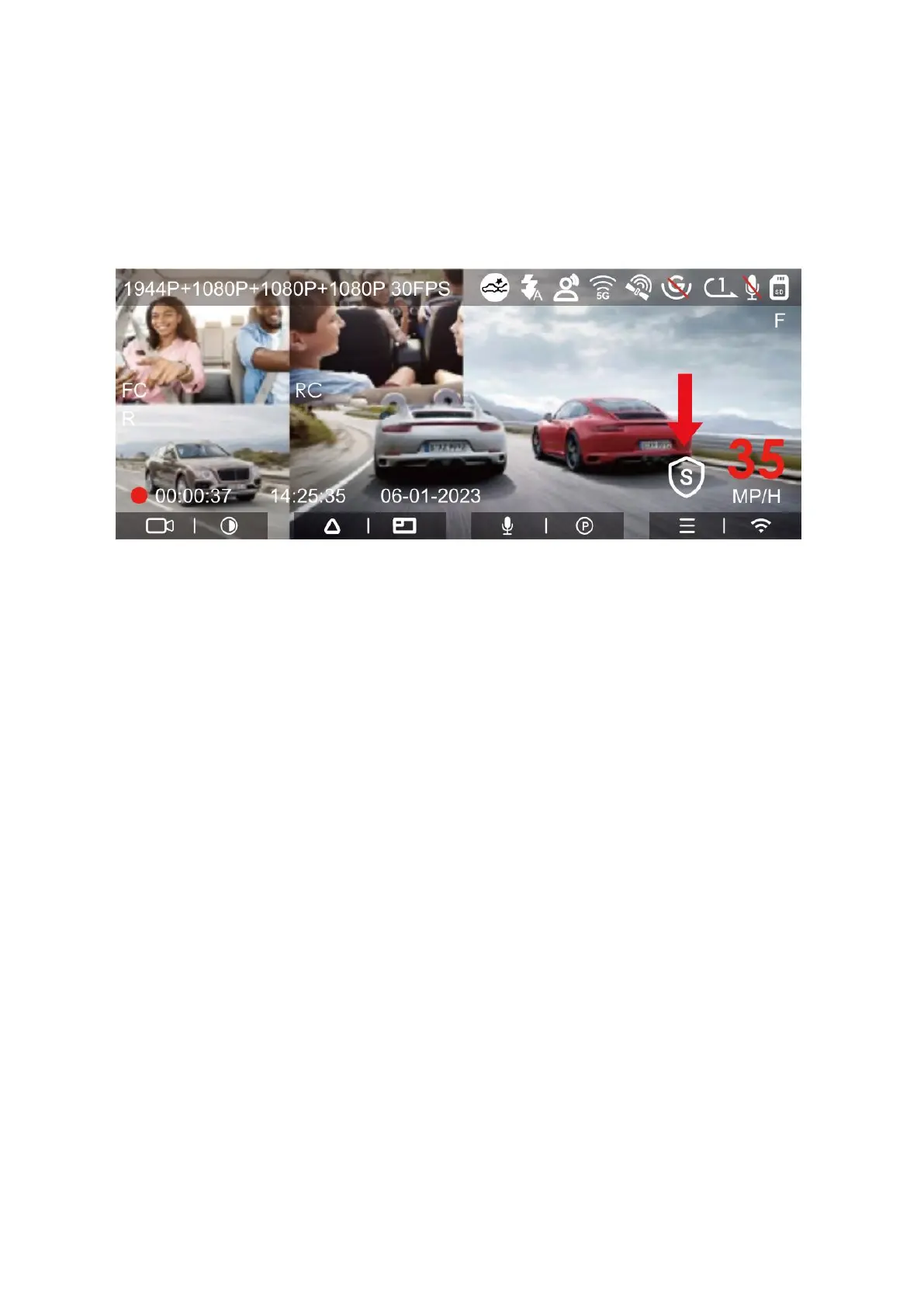
6. Privacy Mode
In Privacy Mode, the dash cam is set to retain only the three most recent recordings. For
instance, if your loop recording is configured for 1-minute intervals, once Privacy Mode
is activated, upon completion of the third minute of recording, the newest recording will
replace the oldest among the three saved files.
Please Note:
• Recordings made in Privacy Mode will be stored in the normal video folder,
identifiable by the inclusion of the letter "S" in the file name, like
"20210128_140633_0006_S_A.MP4".
• Privacy Mode cannot be activated if the loop recording feature is turned off.
• It is recommended to format the memory card before you switch to Privacy
Mode for optimal functionality.
• Additionally, in Privacy Mode, any video files that you manually lock will be stored
in the Event folder, and these files will have the same naming convention as
videos recorded in emergency situations.



 To Next Page