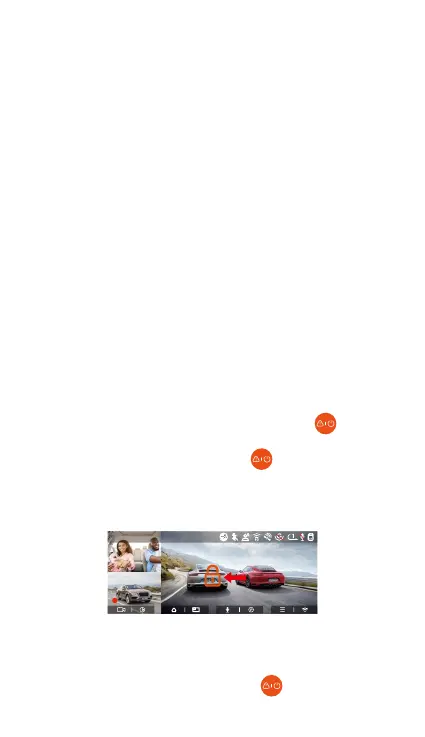
4.2.2 Event Recording
Event video is triggered by the G-sensor(Gravity
Sensor), which can be automatically triggered or
manually locked.
During driving, in case of special circumstances, the
camera will automatically lock for event recording or
you can manually lock it for event recording.
To manually lock the video, just press the button to
lock the current video and capture it. During the lock
video period, you can press the button to capture
multiple times. After the event recording is nished,
the video will be automatically saved in the event video
folder and the photo will be saved in the photo folder.
- 20 -
The normal operation of the loop recording function
is ve dependent on the speed of the memo card,
so please format the memo card regularly to avoid
problems such as excessive memo card les and
card aging that aect the normal loop recording.
Please check the loop recording video regularly to
avoid the necessa videos being overwritten by loop.
After loop recording is turned o, the lock video
function will no longer work.
When the loop recording setting is turned o, the
length of each recording is 20 minutes. When the
memo card is full, the camera will stop recording
and prompt "card is full!"
Note:
•
•
•
•
Auto-lock event recording: When the car is hit by a
collision or vibration, the recorder will automatically
trigger and lock the current video when it senses the
vibration. You can also press the button to capture
F
MP/H
14:25:35 06-01-202300:00:37
35
2160P+1080P+1080P 30FPS



 To Next Page