- 27 -
•
•
•
F
MP/H
14:25:35 06-01-202300:00:37
35
2160P+1080P+1080P 30FPS
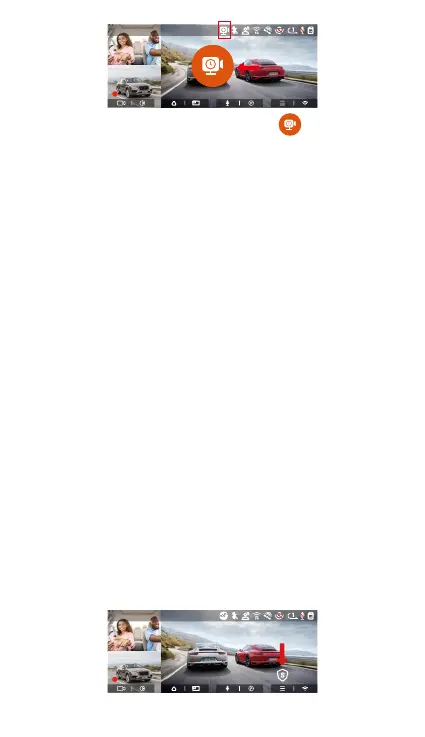
In low frame rate recording mode, a icon is displayed
in the center of the screen to indicate that the low
frame rate recording parking mode has been entered.
[Normal Recording Time = Low Framerate Recording
Time (Sec) x Recording Frame Rate FPS/Low Framerate
Option] (Time should be conveed into seconds)
The time unit of the calculation formula is seconds, so
the nal normal recording time calculated is also in
seconds. If you need to conve it into other time units,
please check the units and conve by yourself.
The low framerate mode is similar to the time-lapse
recording function, but the dierence is that there is
no 5-minute ent mechanism for time-lapse
recording, which will be directly turned on after
setting.
In low framerate mode, the camera also needs a stable
power supply. Once the power is o or exhausted, the
camera will shut down.
Note:
4.2.6 Privacy Mode
If privacy mode is turned on, the recording le will only
keep the last 3 loops of the recorded video.
For example, if you select 1-minute loop recording and
turn on privacy mode, the recording le will be
overwritten at the end of the 3rd 1-minute loop
recording.
F
MP/H
14:25:35 06-01-202300:00:37
35
2160P+1080P+1080P 30FPS



 To Next Page