- 29 -
Privacy le will be saved to the normal folder, and the le name contains
character “S”. For example: 20210128_140633_0006_S_A.MP4
Privacy mode can’t be enabled when loop recording is o.
Privacy mode can’t be enabled when G-sensor is o.
Before enabling the private mode, please format the memo card.
In privacy mode, manually locked video les will be saved in the Event
folder, and the le name is the same as the emergency video le.
Note:
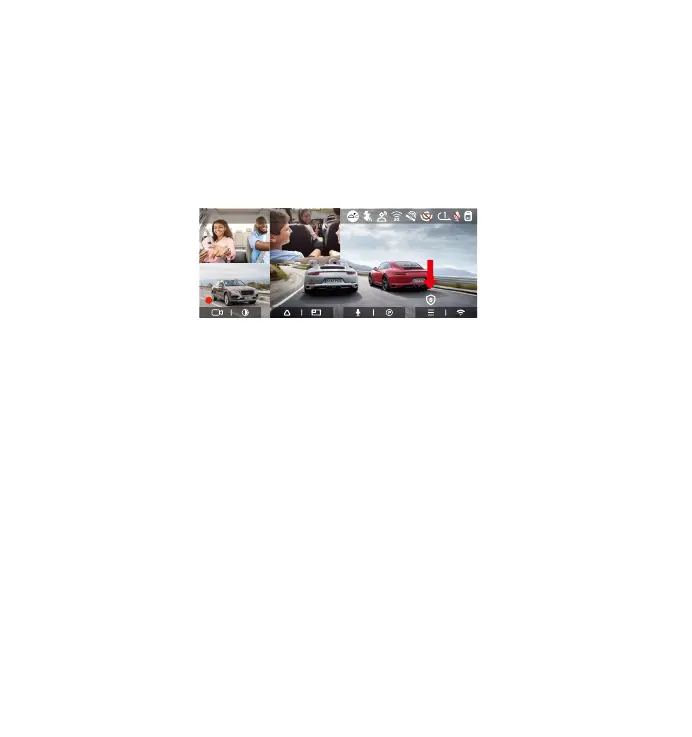
4.2.6 Privacy Mode
After enabling the privacy mode, only the latest 3 recording les will be saved.
And a 10s video before the recording will be saved to current le too.
For example: If you set the loop recording to 1 minutes, after enabling the
privacy mode, when the third 1 minute recording ends, the new loop recording
le will automatically overwrite the oldest le, and the duration of the private
recording is 1 minute and 10 seconds.
FC
R
RC
F
MP/H
14:25:35 06-01-202300:00:37
35
1440P+1080P+1080P+1080P 30FPS
•
•
•
•
•



 To Next Page