- 13 -
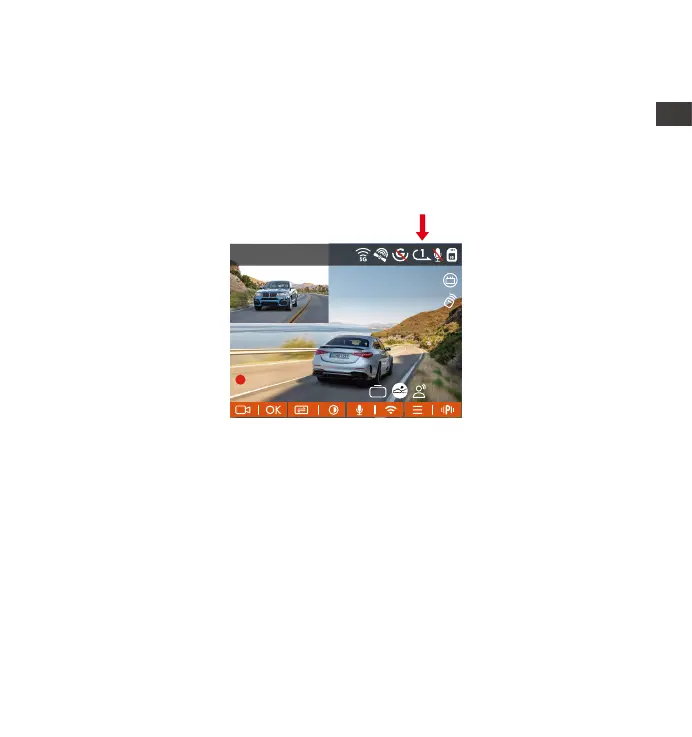
After inseing the memo card and connecting the power, the dash cam will
automatically turn on and enter loop recording. The duration of each
recorded video will be saved based on the loop recording time you set, saved
in the normal video older. When the capacity of the normal video folder
reaches 70% of the total capacity, the new loop recording le will automati-
cally overwrite the original loop recording les.
When Loop Recording is turned o, the video lock function will no longer
work.
After the loop recording is turned o, the duration of each video will be 20
mins, and the recording will stop when the memo card capacity is full.
NOTE:
•
•
Loop Recording Icon
1440P +1080P 30FPS
10:39:07AM09-01-2023
00:00:37
MP/H
75
ACC
HDR
4.5 Loop Recording
EN
EN
EN
EN



 To Next Page