Need help?
Do you have a question about the Vari 401511 and is the answer not in the manual?
 General
| Brand | Vari |
|---|---|
| Model | 401511 |
| Category | Indoor Furnishing |
| Language | English |
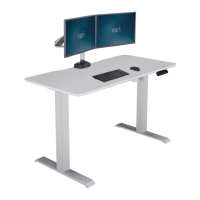
Attach legs to desktop frame, ensuring motor leg is on the correct side for control panel.
Secure both legs using M6 washers, M6-14 bolts, and M6 Allen key.
Install and secure transmission shaft, aligning hex shafts and tightening nuts.
Secure transmission shaft cover using push-in rivet pins.
Secure both feet to the legs using M10-25 bolts and M10 Allen key.
Slide control panel into its bracket on the front edge of the desk.
Slide control box into its bracket on the desk frame.
Connect control panel, motor, and power cords to the control box.
Flip the desk onto its feet and connect to a power source.
Configure desk settings like One-Touch or Constant-Touch operation.
Toggle display between inches and centimeters for height measurements.
Program up to 4 height preferences by adjusting desk height and pressing 'M'.
Define custom upper and lower height limits for the desk's movement range.
Recalibrate desk height if the display does not match physical measurement.
Lock the control panel to prevent accidental adjustments.
Unlock the control panel to allow adjustments after it has been locked.
Address desk issues like no response or slow rising by resetting.

 To Next Page