8
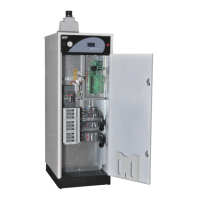
VÄRMEBARONEN EP31 300
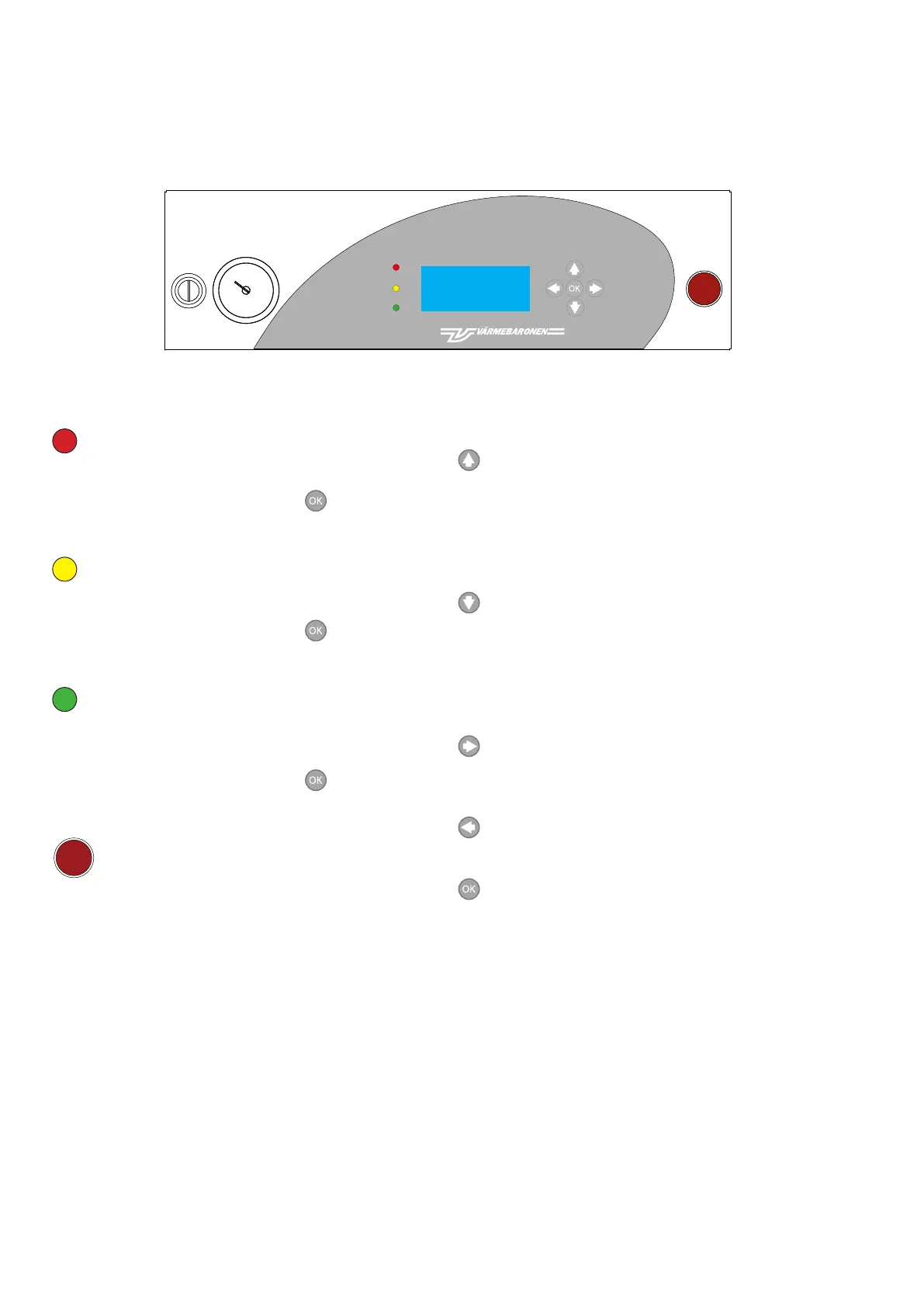
red indicator
Off: normal.
Flashing: serious fault.
The display shows the cause when is pressed.
yellow indicator
Off: normal.
Flashing: warning.
The display shows the cause when is pressed.
green indicator
On: normal.
Flashing: something is preventing power increase/
decrease.
The display shows the cause when is pressed.
STOP
Breaks the power supply to the boiler by tripping the
boiler's load-break switch.
The voltage to the control circuit is not broken.
Control panel
moves the index arrow upwards, between the lines
containing parameters that can be changed.
Set/change the content with the UP/DOWN arrow.
Parameters with a large setting range have a fast move
function when the button has been pressed for a while.
moves the index arrow downwards between the lines
containing parameters that can be changed.
Set/change the content with the UP/DOWN arrow.
Parameters with a large setting range have a fast move
function when the button has been pressed for a while.
Press the RIGHT arrow to select the highlighted line.
Set/change the content with the UP/DOWN arrow.
-
Confirms a change and jumps back to the current menu.
Changes made take immediate effect when you press OK.
DisplayShows status, alarms etc. The display returns to the
Operating menu a minute after any button has been pressed.
ManometerShows the water pressure in the boiler/heating
system.
Operation and maintenance
STOP
VÄRMEBARONEN AB
E P X X X -....-....
VERS X.XX
(SVENSKA)
>>>>>>>>>> <<<<<<<<<<
STOP
VÄRMEBARONEN AB
E P X X X -....-....
VERS X.XX
(SVENSKA)
>>>>>>>>>> <<<<<<<<<<



 To Next Page