Parameter Function
‘Focus’ Sets the default setting of the light bundling.
‘Prism’ Adjusts the prism.
When the display shows the desired parameter conrm the selection with [Enter]. Use [Up] or
[Down] to select the desired value for the selected parameter between ‘0’ and ‘120’ and con‐
rm the setting with [Enter]. To exit the menu item without making changes, press [Menu].
Use the ‘System Info’ menu to call up information about the system.
Press [Enter] to activate the main menu and use [Up] or [Down] until the display shows ‘System
Info’ . Conrm the selection with [Enter].
The display shows the current software version, the current operating mode and the DMX start
address.
System information
Operating
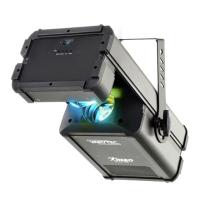
Hero Scan 150
37
LED scanner


 To Next Page